 ospitessa

 Español
 Italiano
 Deutsch
 Français
 Português
 Ελληνικά
 Hrvatski
 Polski
 Nederlands
 Čeština
 Slovenčina
 Magyar
 Slovenščina
 Shqip
 Български
 Türkçe
 Română ↗ Ospitara
 Austria
 Switzerland
 Belgium
 Ireland
 Malta
 Cyprus
 Montenegro
 Mexico
 Costa Rica
 Dominican Republic
 Panama
 Colombia
 Peru
 Ecuador
 Argentina
 Uruguay
The AI assistant that shows you where to click
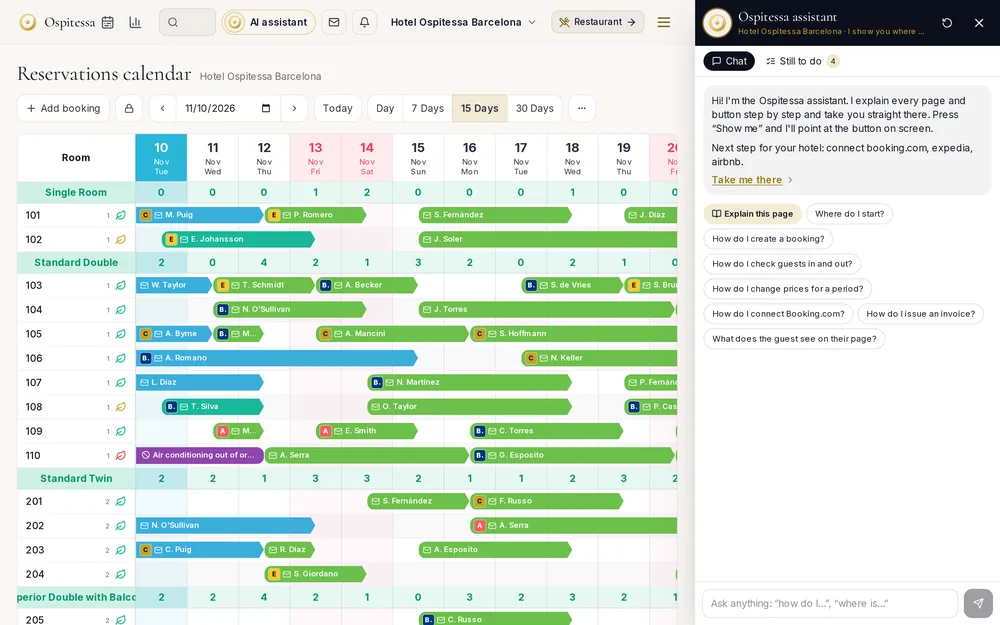
A new receptionist no longer has to call the day shift. They ask the assistant "how do I issue a credit note?" and get the steps, and with "Show me" the right button lights up on screen.
It knows the software inside out
The assistant has been trained on every page in Ospitessa, from the calendar to restaurant inventory. "Explain this page" tells you what you are looking at and what it is for.
It takes you there
"Take me there" opens the right page, and "Show me" highlights the button on screen. The "What's left to do" list reminds you of the remaining setup steps.
Beside the page, not on top of it
The assistant opens on the right and the page shrinks next to it. You keep working while you read the steps.
Questions about in-app AI assistant
Can the assistant change data?
No. The assistant explains and shows. You carry out the actions yourself, with the rights you have.
Related features
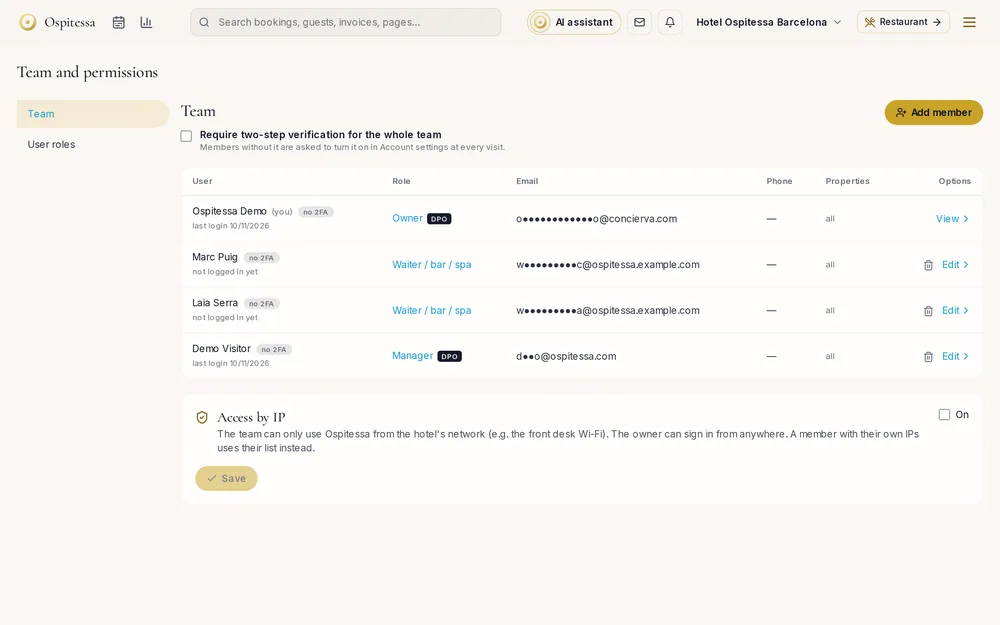 Team, security & appRoles, permissions and securityYour own job roles with ticked permissions, GDPR access levels, two-factor sign-in, access only from the hotel's IP and automatic sign-out when idle.See the feature
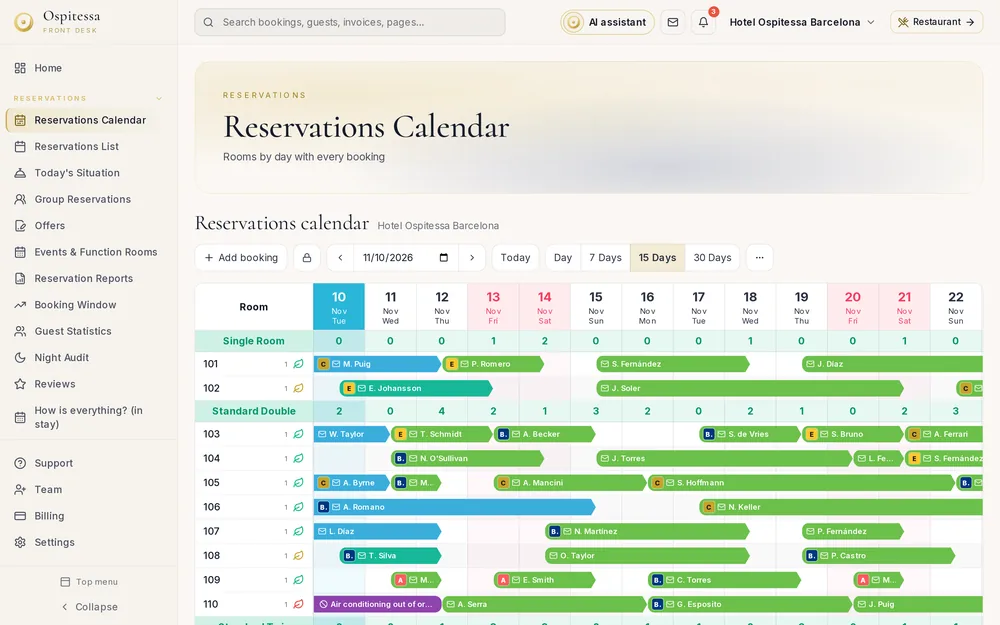 Team, security & appMobile app, menus and themesOspitessa installs on your phone as an app, straight from the browser.See the feature
 Front desk & bookingsHotel PMSCloud property management system with a room calendar, check-in, invoices, housekeeping and reports.See the feature

See Ospitessa on your own rooms.
In a 30-minute demo we show you the calendar, the channel manager and the AI receptionist set up for your property.