 Español
 Italiano
 Deutsch
 Français
 Português
 Ελληνικά
 Hrvatski
 Polski
 Nederlands
 Čeština
 Slovenčina
 Magyar
 Slovenščina
 Shqip
 Български
 Türkçe
 Română ↗ Ospitara
 Austria
 Switzerland
 Belgium
 Ireland
 Malta
 Cyprus
 Montenegro
 Mexico
 Costa Rica
 Dominican Republic
 Panama
 Colombia
 Peru
 Ecuador
 Argentina
 Uruguay
Welcome, check-in and the door code
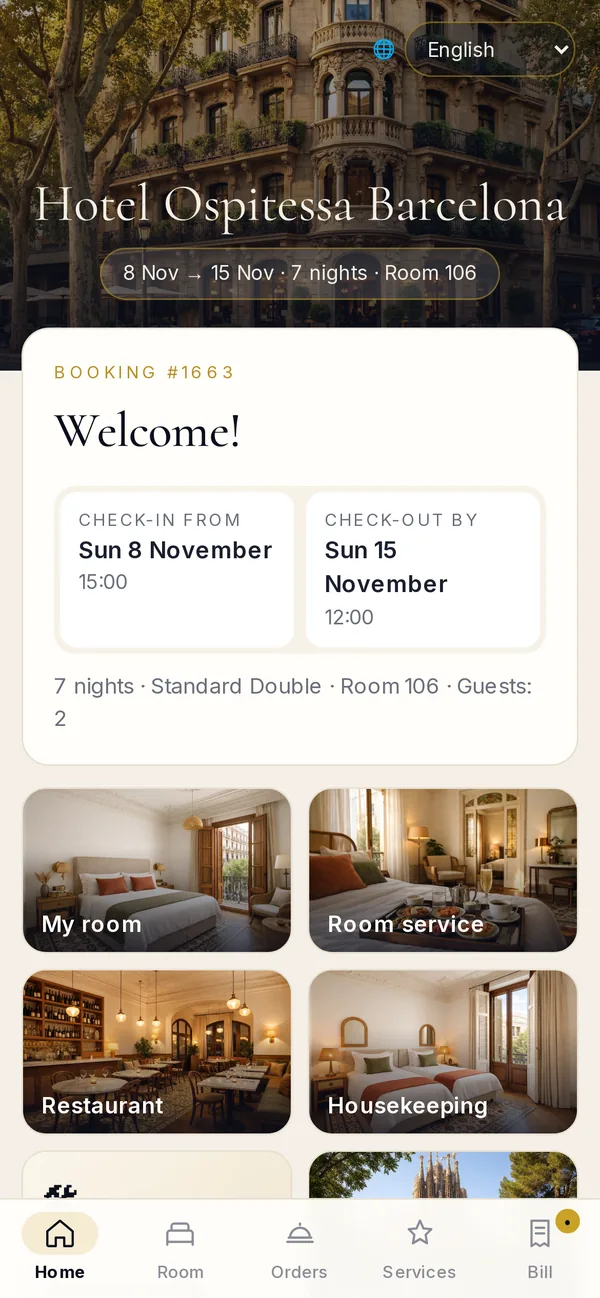
The guest gets the link the day before. They see the booking, check-in time and address, fill in their registration details and, on arrival day, receive the door code.
 ospitessa
 EN
Language
Choose your country
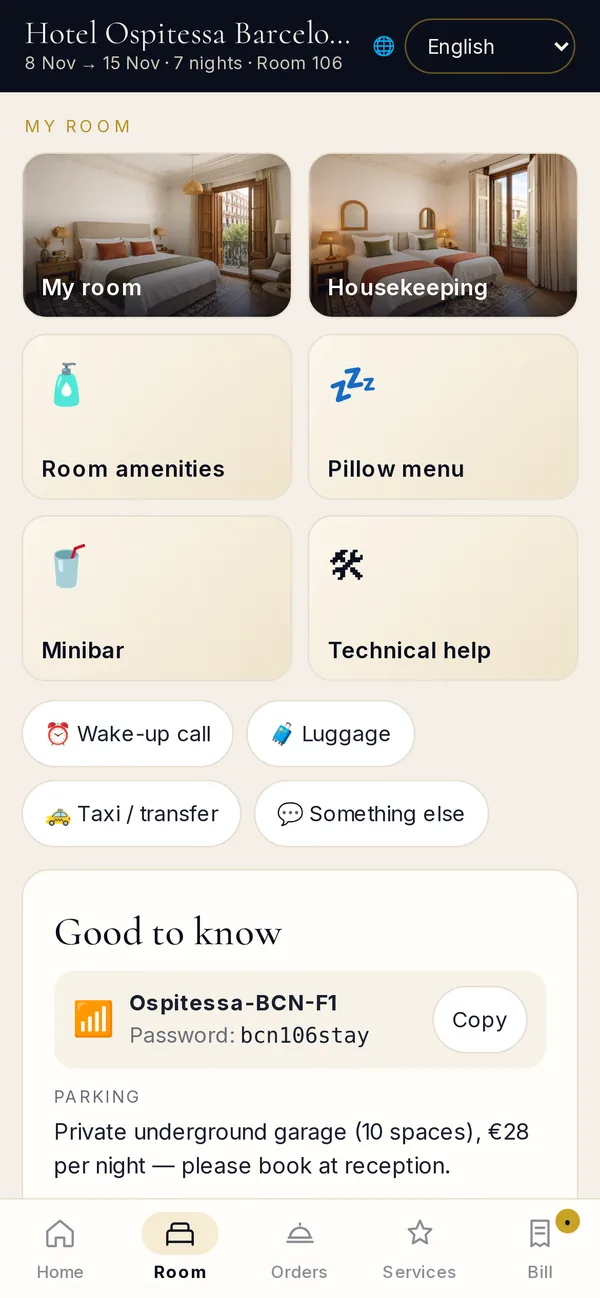
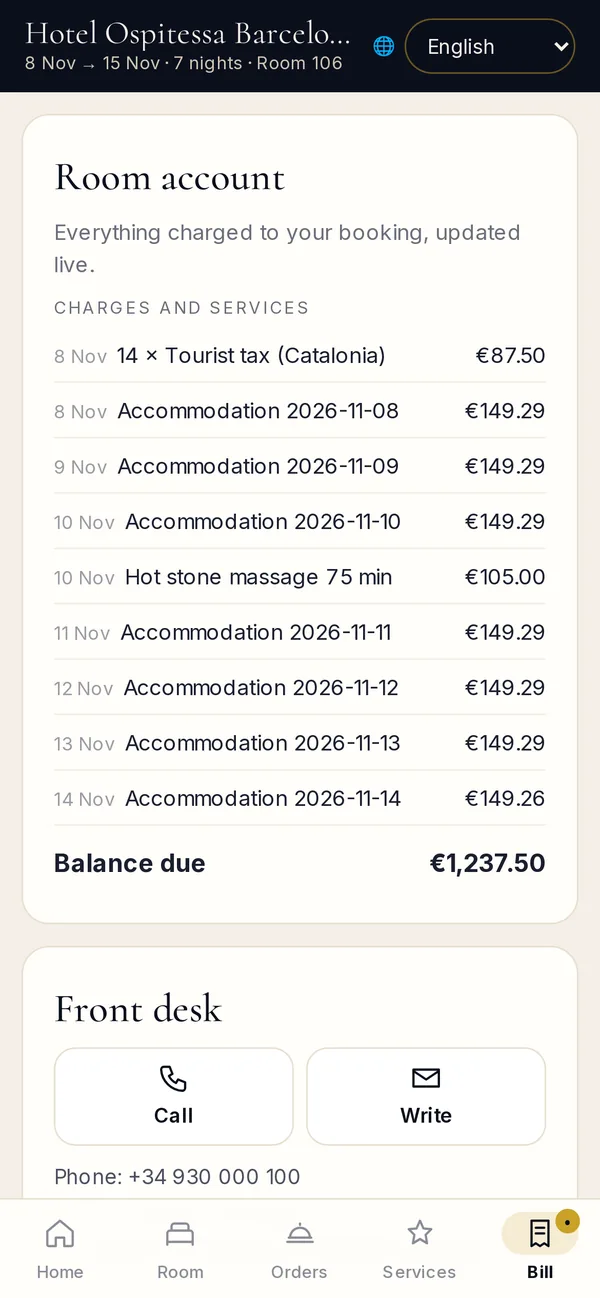
A link or a QR code opens the guest’s page: online check-in, door code, requests to reception, room service, excursions, the room bill and express check-out. No app to install and no account.
English · Español · Català · Italiano · Deutsch · Français · Português · Ελληνικά · Hrvatski
The guest gets the link the day before. They see the booking, check-in time and address, fill in their registration details and, on arrival day, receive the door code.
Towels, cleaning, linen, toiletries, pillows, minibar, wake-up call, luggage or a taxi. The request reaches housekeeping or reception and the guest sees when it’s been picked up.
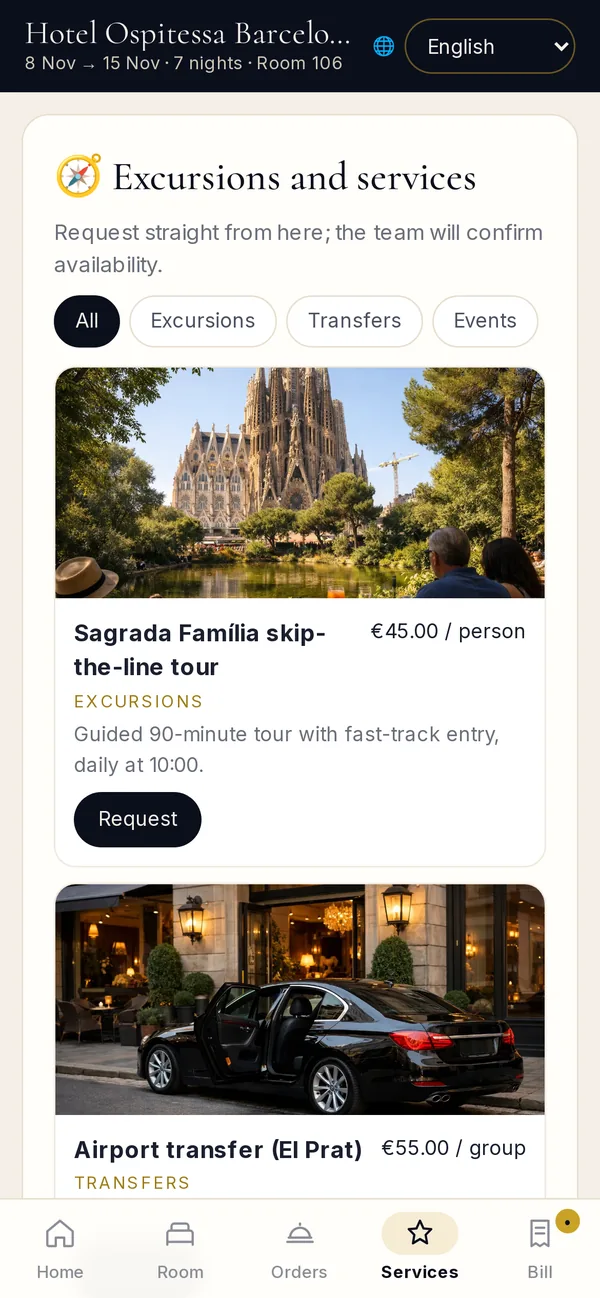
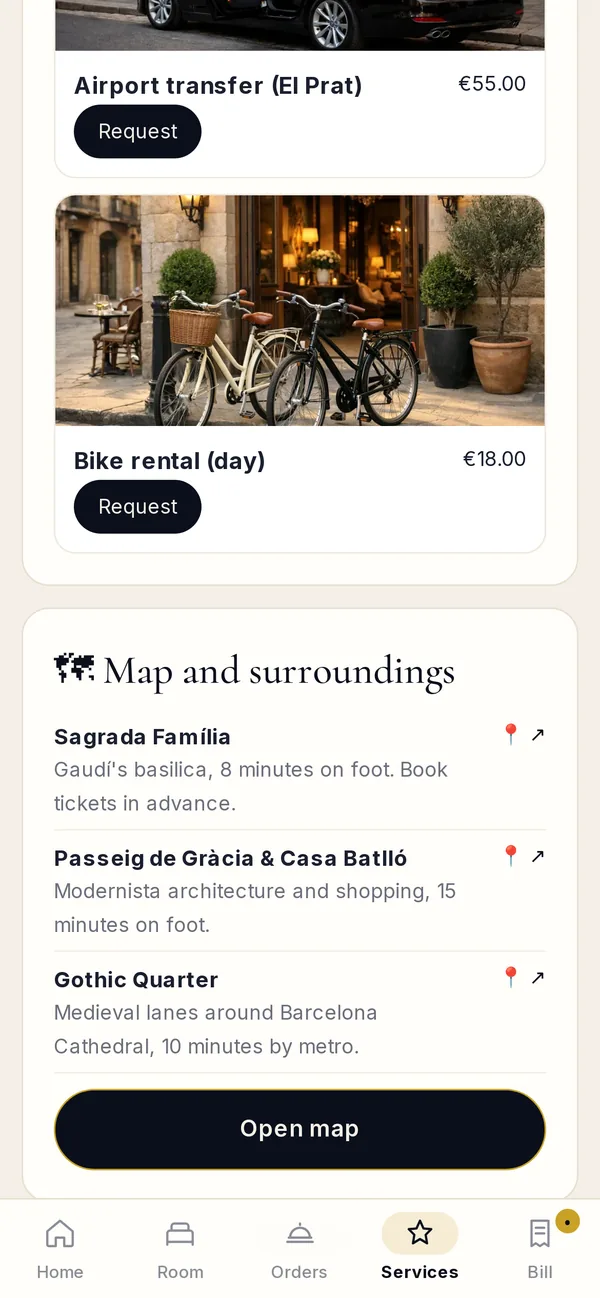
Boat trips, city tours, airport transfers, bike hire or a dinner with the chef. Any service you set up in Ospitessa can be ordered here, with the price shown.
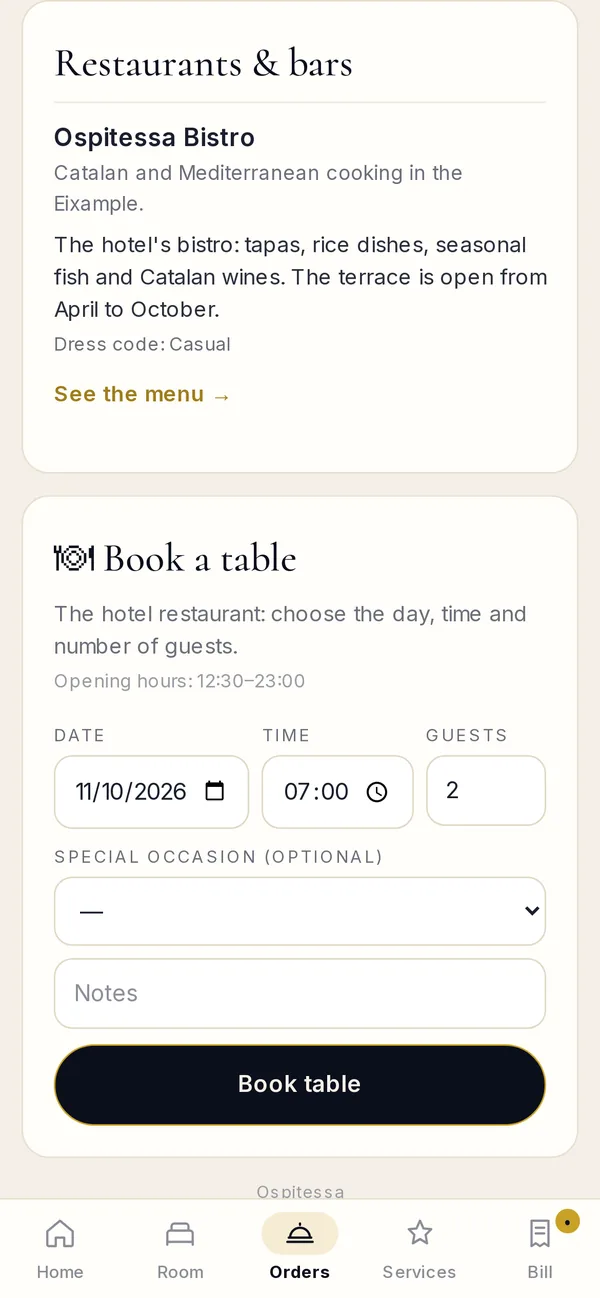
The guest books a table or orders from the restaurant menu from their room. The order reaches the kitchen and the bill goes on the room.
Accommodation and extras appear in real time, with the balance due. The guest pays on the phone, leaves the key in the room and goes, without stopping at reception.
Wi-Fi, parking, breakfast, house rules and places to see nearby, with the map opening right on the phone.
 Room 301
“Reception answers the same questions all day.”
Wi-Fi, breakfast time and parking are on the guest’s phone. The reception phone rings less.
Room 302“Requests get lost between reception and the floors.”
The request goes straight to housekeeping with the room number, and the guest sees when it’s been picked up.
Room 303“We lose money on services guests don’t know about.”
Excursions, transfers, spa and room service are on show, with a price and an order button.
Room 304“There’s a queue at check-out every morning.”
The guest sees the bill, pays on the phone and leaves. The invoice is ready in Ospitessa.
No. The Guest App opens in the browser, from the link or the QR code, on any phone.
No. The Guest App is included in every Ospitessa plan.
Yes. Switch on only the sections you use and fill in your services, excursions and menu with your prices.
The page closes automatically. Only the feedback form about the stay remains.

In the demo we set it up with your rooms, services and menu, and you open it on your phone.