 ospitessa

 Español
 Italiano
 Deutsch
 Français
 Português
 Ελληνικά
 Hrvatski
 Polski
 Nederlands
 Čeština
 Slovenčina
 Magyar
 Slovenščina
 Shqip
 Български
 Türkçe
 Română ↗ Ospitara
 Austria
 Switzerland
 Belgium
 Ireland
 Malta
 Cyprus
 Montenegro
 Mexico
 Costa Rica
 Dominican Republic
 Panama
 Colombia
 Peru
 Ecuador
 Argentina
 Uruguay
Daily rates, with occupancy in view
For each room type you see the price per night, how many rooms are still for sale and how full the hotel is on that day.
One base plan, the rest follow
Your breakfast plan or non-refundable plan can be linked to the standard plan, with a percentage up or down. Change the base price and all linked plans move with it.
A whole period in one step
Select the date range, pick the days of the week and set the price or restriction. You can also edit directly in the grid, day by day. New Year's Eve no longer means filling in box after box.
How many rooms go to the channels
“Max for sale” limits how many rooms of a type are offered on the channels, even when more are free. You keep the rest for phone bookings, groups or returning guests.
Prices rise as the hotel fills up
The rate optimiser adjusts prices in occupancy steps you define, for example plus 10% at 75% occupancy and plus 20% at 90%. The advanced version adds last-minute, early-booking and weekend rules, with a simulation before anything is applied.
Questions about rates and availability
Do prices go to Booking.com automatically?
Yes, to every channel connected through the channel manager.
Can my website be cheaper than Booking.com?
Yes. You can set an adjustment per channel, for example 5% less on your own website.
Related features
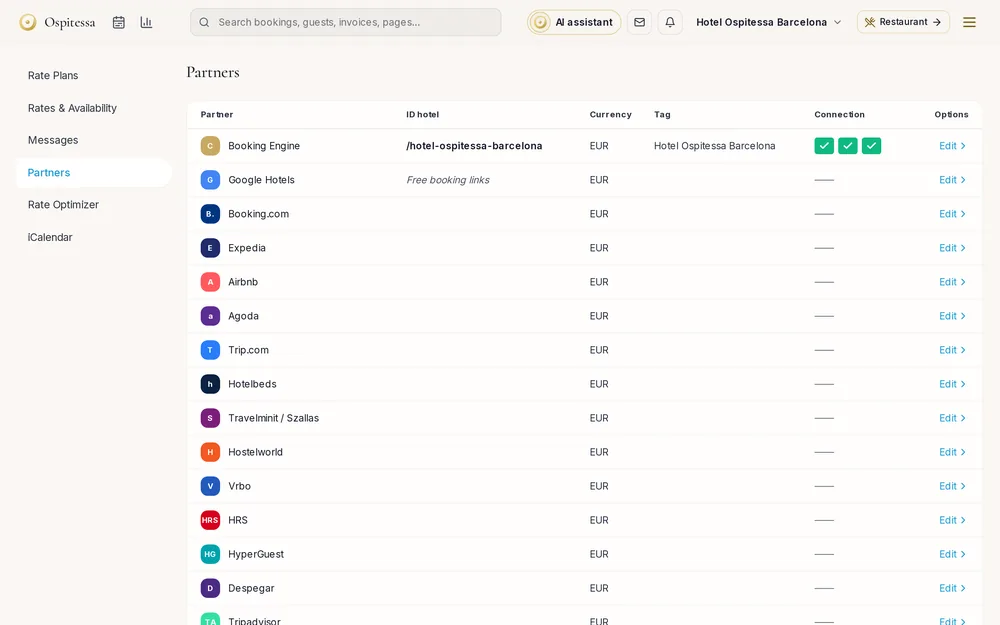 Online salesChannel managerAvailability and prices sent automatically to Booking.com, Airbnb, Expedia, Agoda and 70+ partners.See the feature
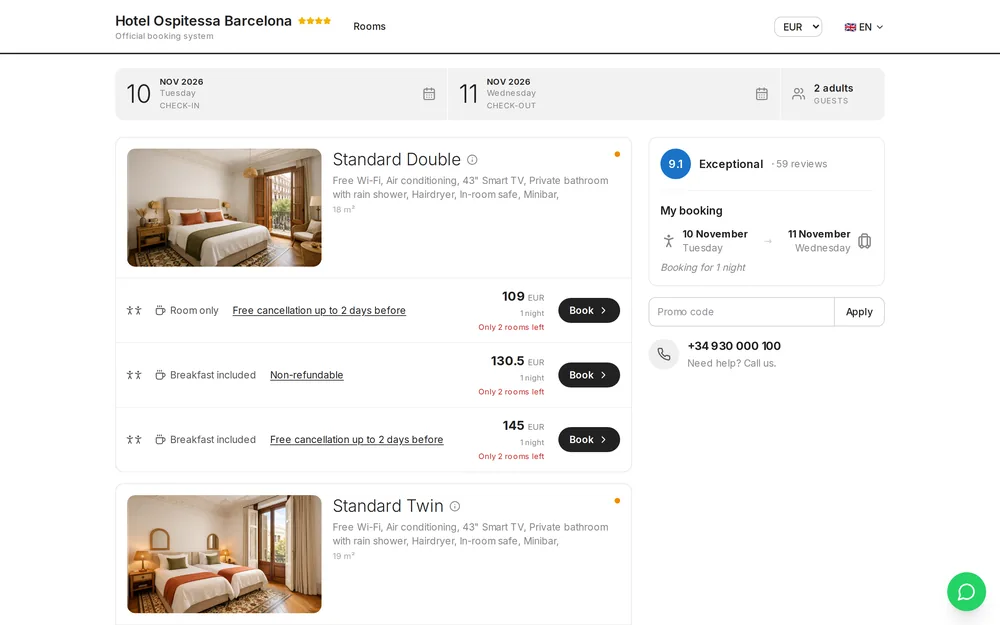 Online salesBooking engineDirect bookings on your hotel website, with prices from your calendar, card payment and instant confirmation.See the feature
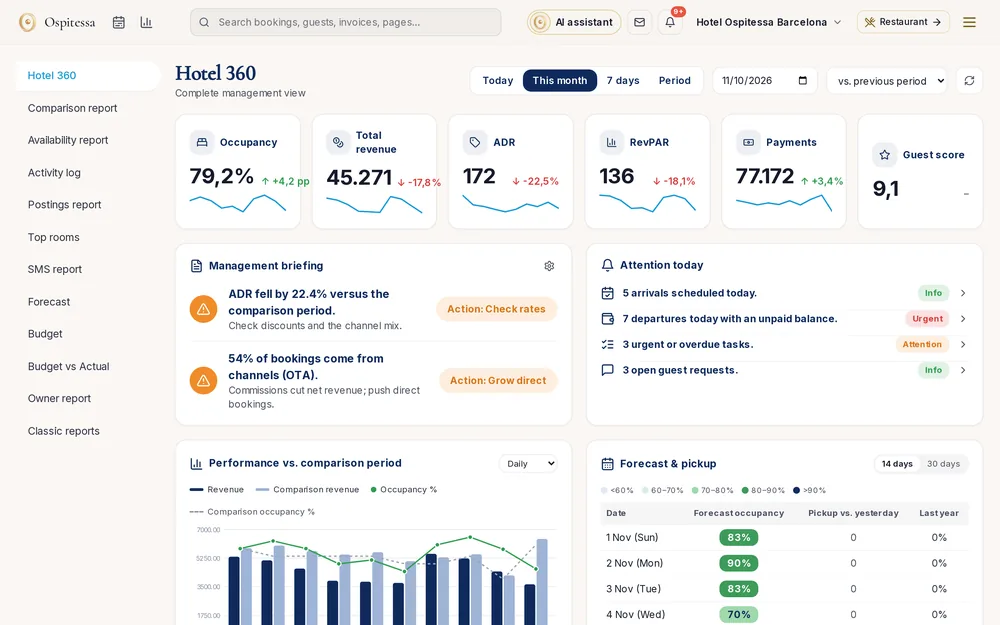 ReportsReports and statisticsHotel 360 with a daily briefing and alerts, rate reports, availability, comparison with last year, revenue postings, top rooms, user log and AI statistics.See the feature
 Front desk & bookingsBooking calendarAll your rooms on one screen, for 1, 7, 15 or 30 days.See the feature

See Ospitessa on your own rooms.
In a 30-minute demo we show you the calendar, the channel manager and the AI receptionist set up for your property.