 ospitessa

 Español
 Italiano
 Deutsch
 Français
 Português
 Ελληνικά
 Hrvatski
 Polski
 Nederlands
 Čeština
 Slovenčina
 Magyar
 Slovenščina
 Shqip
 Български
 Türkçe
 Română ↗ Ospitara
 Austria
 Switzerland
 Belgium
 Ireland
 Malta
 Cyprus
 Montenegro
 Mexico
 Costa Rica
 Dominican Republic
 Panama
 Colombia
 Peru
 Ecuador
 Argentina
 Uruguay
Forecast and budget, from the same bookings
On Monday morning the owner wants to know two things: how last week went against budget, and what the next four look like. Ospitessa works both out from your bookings, without a separate spreadsheet.
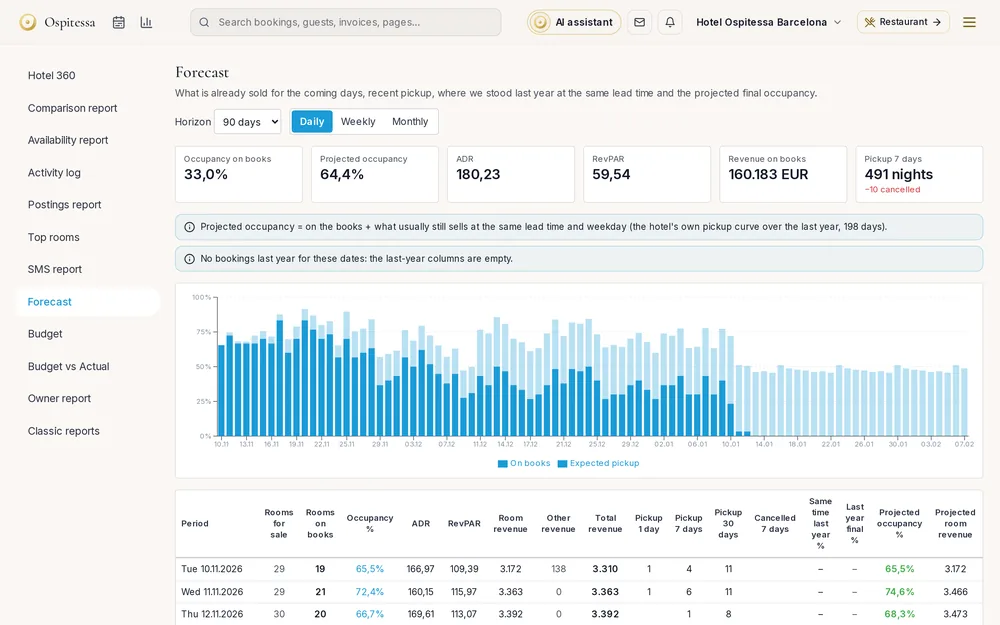
What is sold and what is still to sell
For the next 90 days you see rooms on the books, occupancy, ADR, RevPAR and revenue, by day, week or month. The pickup columns show what sold yesterday, in the last 7 days and in the last 30, with cancellations alongside.
Last year, at the same lead time
For each day you see how much was sold last year the same number of days ahead, and how full it ended up. Projected occupancy starts from what is on the books and adds what usually sells in the remaining days, based on your hotel's own history. When the history is too short, the page tells you so and shows no estimate.
The monthly budget
Enter occupancy and ADR for each month, and room revenue is calculated for you. Add food and beverage and other revenue, or start from last year's actuals plus a few points. The Budget vs Actual page shows the month and the year to date side by side, with the difference in EUR and in percent.
The Monday morning report
If the manager switches it on, a short email goes out every Monday after 7 am to the people chosen: last week against budget and the next four weeks. The same figures are on a page made for the phone.
Questions about forecast and budget
How much history is needed for an estimate?
At least three weeks of sales. Up to eight weeks the page uses an average curve and tells you so. After that it calculates for each day of the week.
Who can change the budget?
People with rights to reports can see it. Only those who also have finance or settings rights can change it.
Is the Monday report sent automatically?
Only after the manager switches it on and chooses the recipients. Until then it is off.
Related features
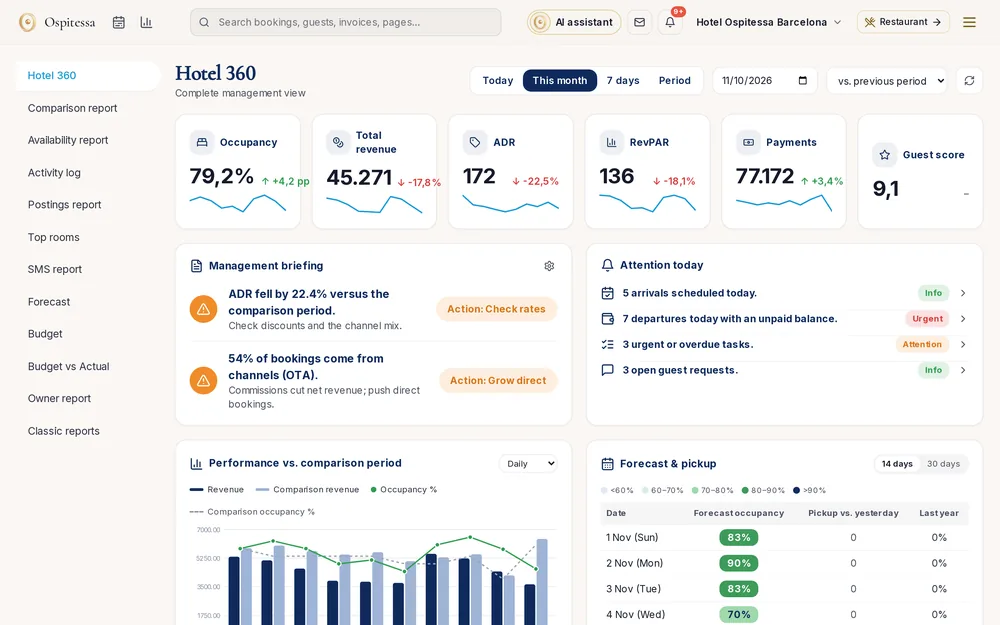 ReportsReports and statisticsHotel 360 with a daily briefing and alerts, rate reports, availability, comparison with last year, revenue postings, top rooms, user log and AI statistics.See the feature
 Front desk & bookingsRates and availabilityRate plans with derived rates, daily prices and restrictions, a cap on rooms sold online, single-use rates and occupancy-based pricing rules.See the feature
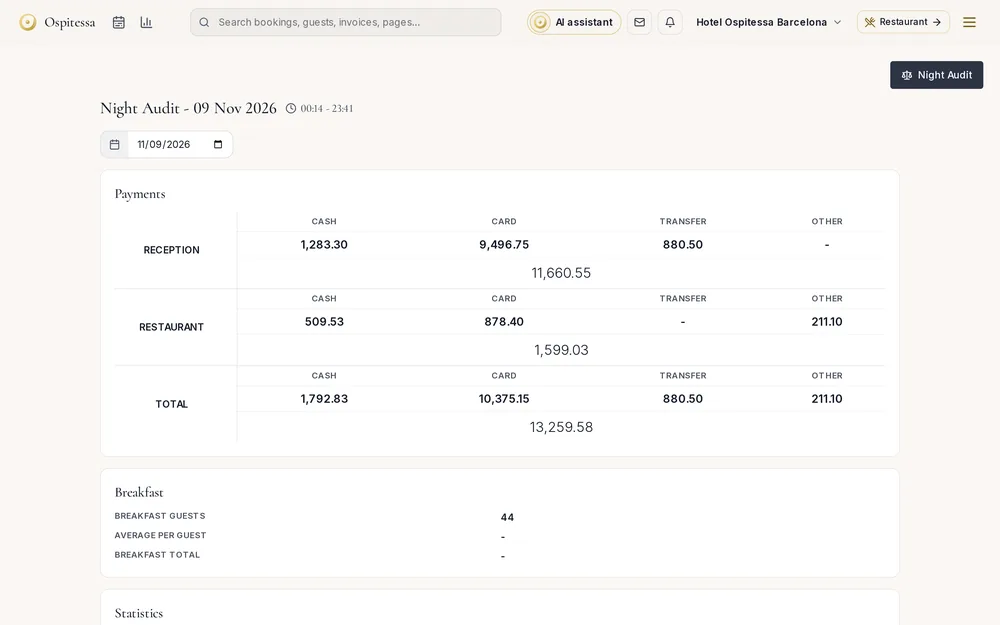 Front desk & bookingsNight auditClose the day at the front desk: unconfirmed arrivals, open departures and unpaid balances checked before the date changes, plus the daily report.See the feature

See Ospitessa on your own rooms.
In a 30-minute demo we show you the calendar, the channel manager and the AI receptionist set up for your property.