 ospitessa

 Español
 Italiano
 Deutsch
 Français
 Português
 Ελληνικά
 Hrvatski
 Polski
 Nederlands
 Čeština
 Slovenčina
 Magyar
 Slovenščina
 Shqip
 Български
 Türkçe
 Română ↗ Ospitara
 Austria
 Switzerland
 Belgium
 Ireland
 Malta
 Cyprus
 Montenegro
 Mexico
 Costa Rica
 Dominican Republic
 Panama
 Colombia
 Peru
 Ecuador
 Argentina
 Uruguay
Guests and companies, with their full history
When a guest returns, you see when they last stayed, in which room, what they paid and what they asked for. Company billing details are filled in from the VAT number.
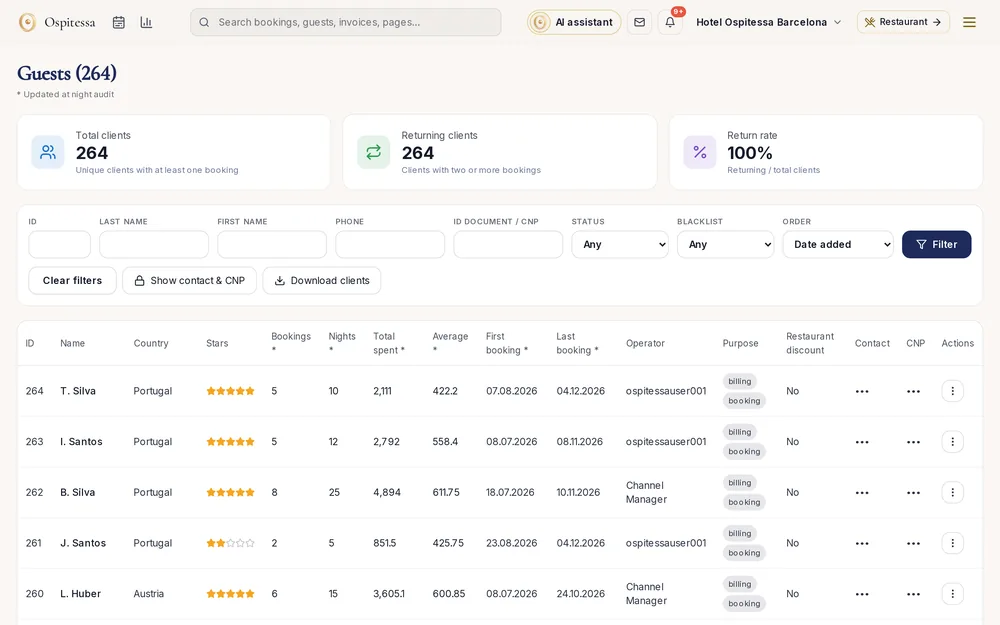
The returning guest
Mr Weber is coming for the third time and always asks for a room facing the courtyard? Write it down once, and next time the front desk sees the note on his booking.
Company invoices without mistakes
Enter the VAT number and the company details are filled in from the EU VIES register. All of the company's bookings are shown together, with the current balance.
Questions about guests and companies
Can I import guests from my old system?
Yes. We move your guests at the start, together with your rooms, rates and future bookings from your current PMS.
Related features
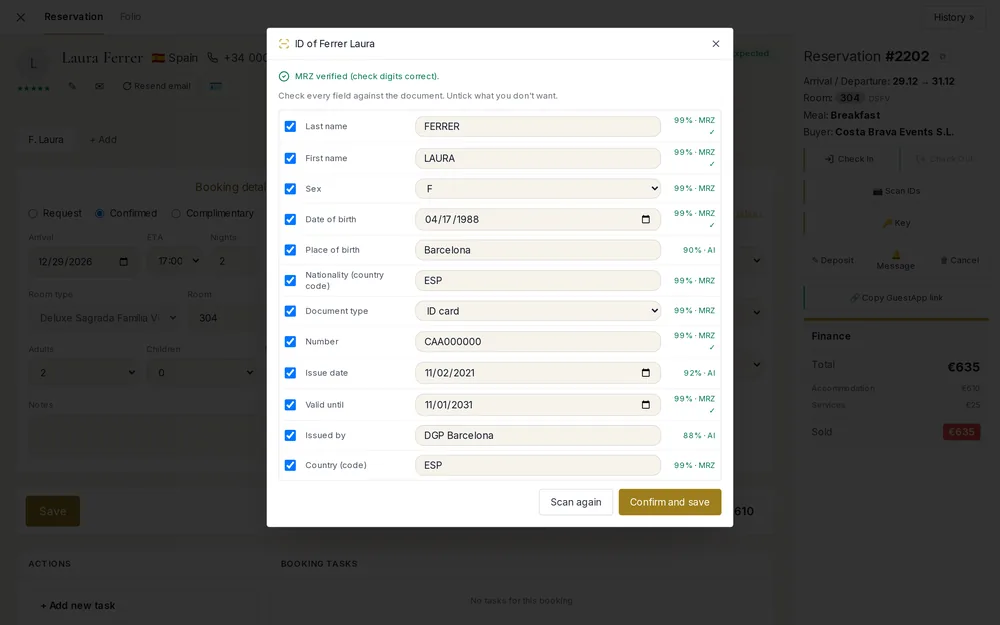 Front desk & bookingsID and passport scanningPhotograph a passport, EU ID card or driving licence and the registration card fills itself in.See the feature
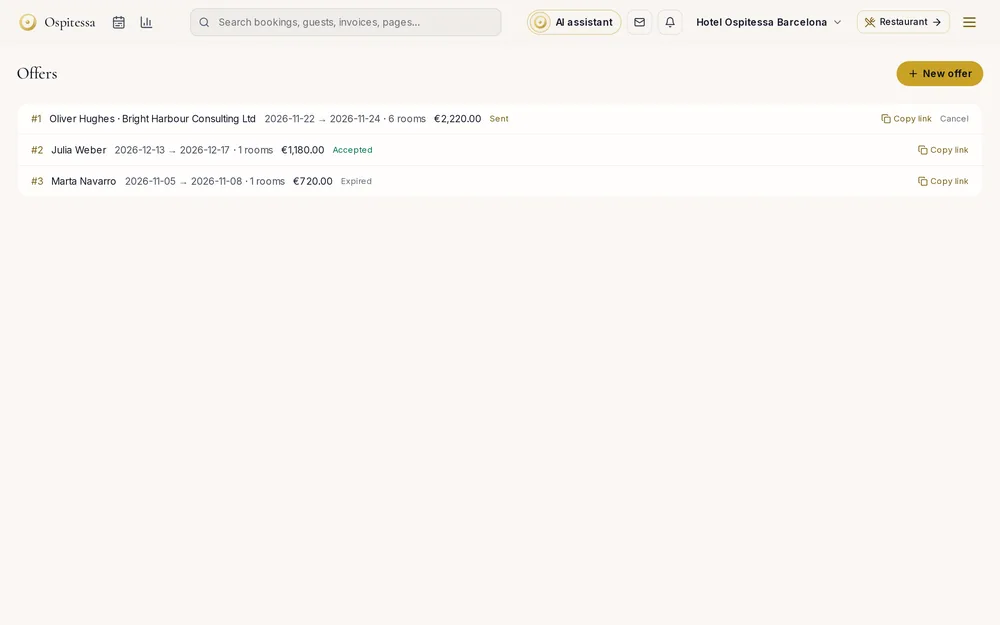 Front desk & bookingsGroups, offers and contractsGroups with one invoice, offers the client accepts by link, contracts with negotiated rates, agency allotments with automatic release, and discounts.See the feature
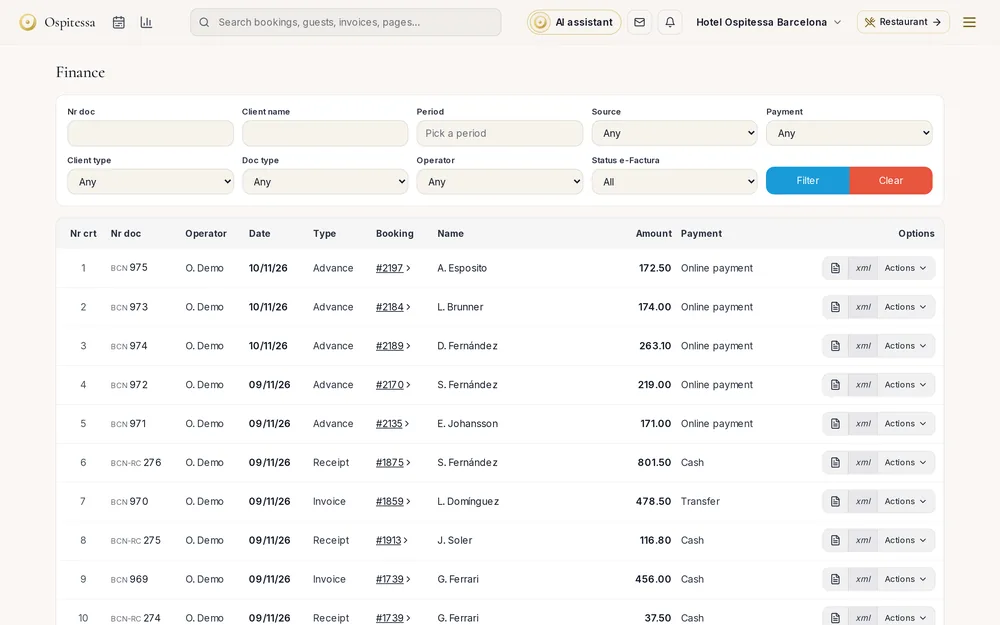 Invoicing & paymentsInvoicing and paymentsInvoices, pro formas, deposit invoices and credit notes from the booking, company accounts, payments, cash book, city tax lists and fiscal printers.See the feature
 Guests & communicationOnline check-in and guest appGuests check in online, see their room charges, send requests to reception and leave a review, all from one link, in their own language.See the feature

See Ospitessa on your own rooms.
In a 30-minute demo we show you the calendar, the channel manager and the AI receptionist set up for your property.