 ospitessa

 Español
 Italiano
 Deutsch
 Français
 Português
 Ελληνικά
 Hrvatski
 Polski
 Nederlands
 Čeština
 Slovenčina
 Magyar
 Slovenščina
 Shqip
 Български
 Türkçe
 Română ↗ Ospitara
 Austria
 Switzerland
 Belgium
 Ireland
 Malta
 Cyprus
 Montenegro
 Mexico
 Costa Rica
 Dominican Republic
 Panama
 Colombia
 Peru
 Ecuador
 Argentina
 Uruguay
Supplier orders, worked out from what you use
On Thursday evening the chef sees that onions and milk have dropped below the minimum. Ospitessa suggests how much to order for next week, taking into account how many guests have breakfast included.
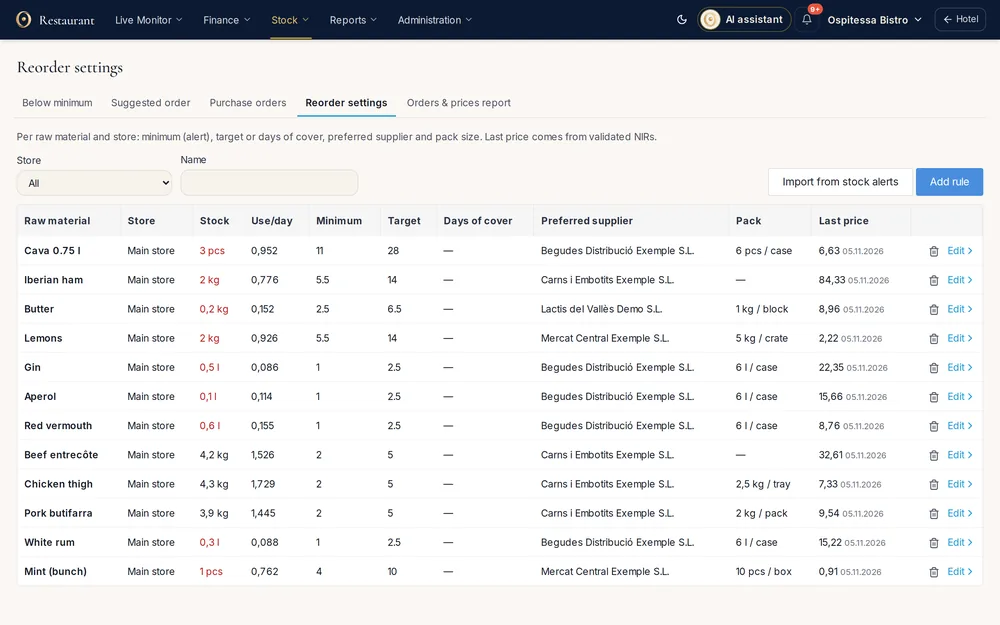
Minimum stock for each outlet
For each raw ingredient you set the minimum, the target stock, the preferred supplier and the pack size: a 10 kg sack, a case of six 1-litre bottles. When stock falls below the minimum, the item appears in the "Below minimum" list and you get a notification, once a day.
The suggested order
Choose the outlet and how many days you are ordering for. The calculation starts from usage over the last few weeks, adjusts it for bookings with meals in the coming days and subtracts what is already on order. Quantities are rounded to whole packs, and the formula is explained right on the page.
The order goes only when you send it
The suggestion becomes one draft per supplier. You print it, email it after checking the preview, or mark it as sent if you ordered by phone.
Goods come in with a stock receipt
When the delivery arrives, tap Receive and a draft goods received note opens with what is still to come. Correct the quantities and prices from the invoice. Stock only goes up when you confirm it, and the order moves to "Partly received" or "Received" on its own.
Questions about minimum stock and supplier orders
Is the order sent to the supplier automatically?
No. You send it by email after the preview, or mark it as sent if you ordered by phone.
Does stock go up when I mark the order as received?
No. Stock only goes up when you confirm the goods received note opened from the order, with the quantities and prices from the invoice.
Related features
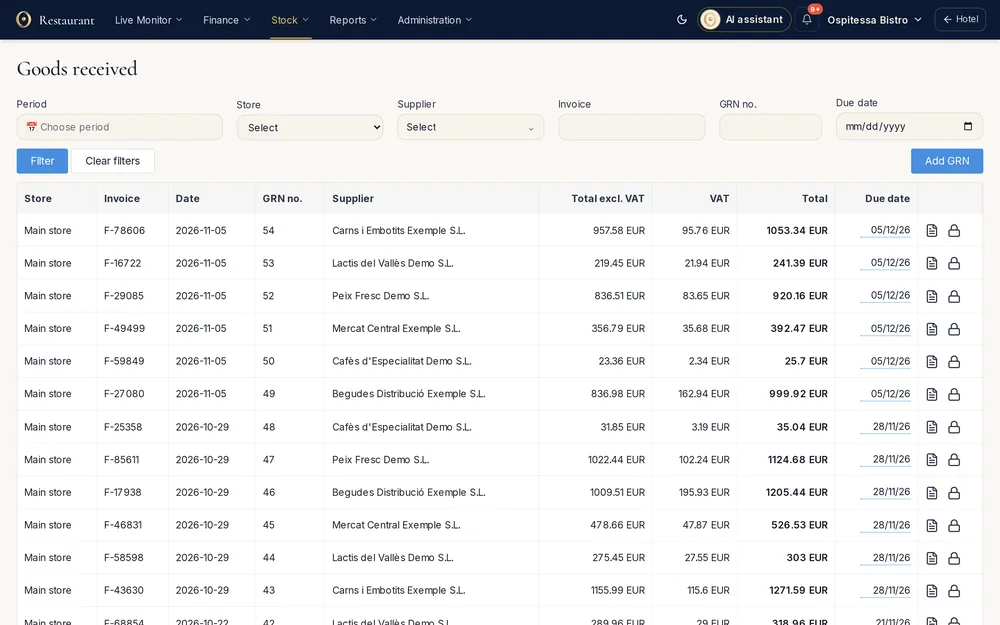 Restaurant, bar & spaInventory and stockStock per outlet, goods received notes from supplier XML invoices, transfers, internal use, stock counts, stock balance, a daily stock report and SAF-T export.See the feature
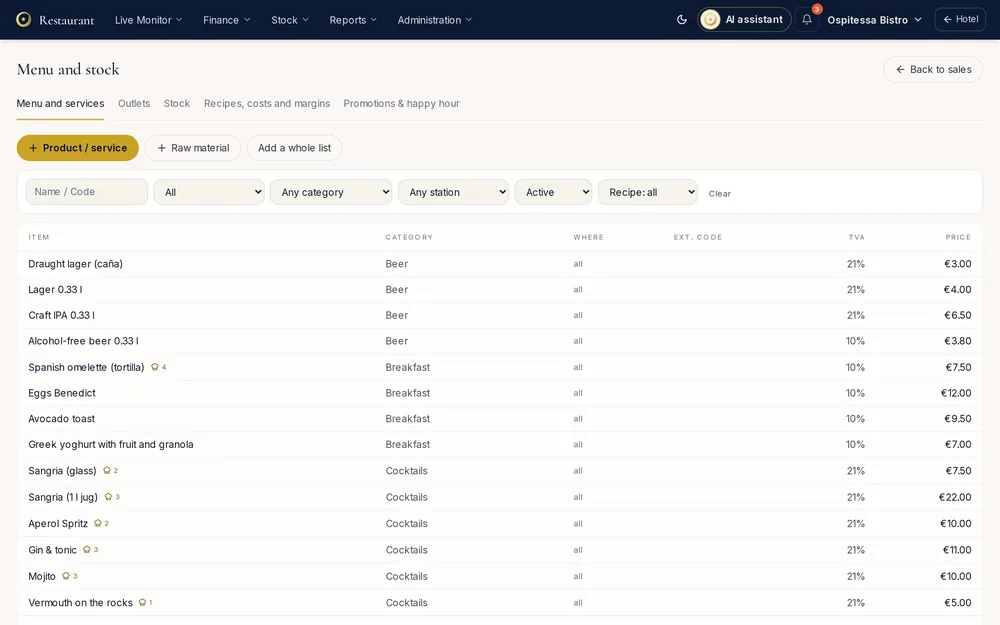 Restaurant, bar & spaRecipes and food costA recipe for each dish with automatic stock deduction, raw ingredients, cost per portion, margin in the sales report, allergens and recipe export.See the feature
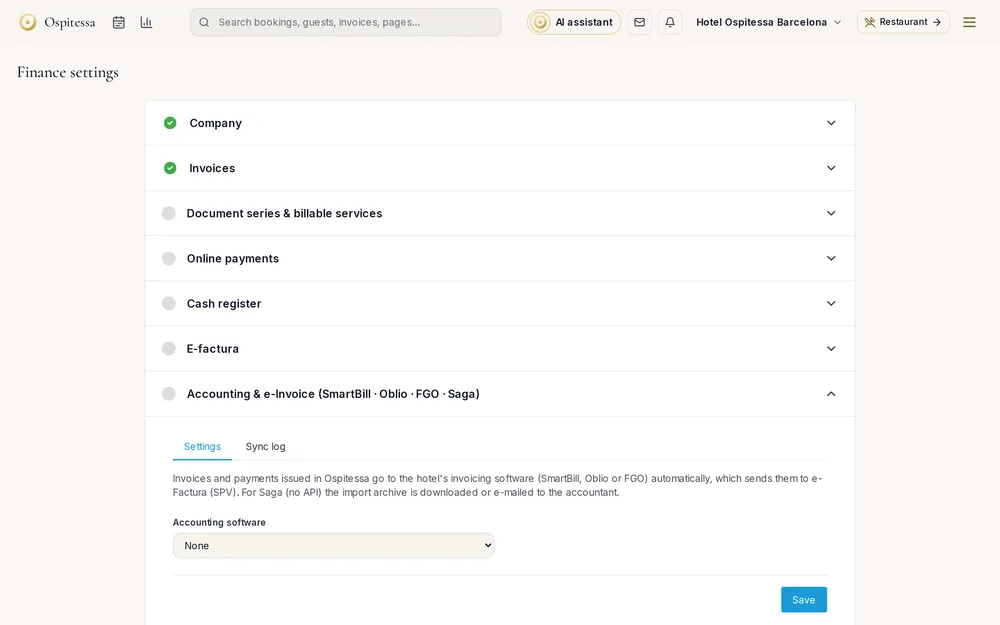 Invoicing & paymentsE-invoicing and accounting exportStructured XML invoices, automatic sync with SmartBill and FGO, Excel and CSV exports with account codes, PDF archive and supplier e-invoices into stock.See the feature

See Ospitessa on your own rooms.
In a 30-minute demo we show you the calendar, the channel manager and the AI receptionist set up for your property.