 ospitessa

 Español
 Italiano
 Deutsch
 Français
 Português
 Ελληνικά
 Hrvatski
 Polski
 Nederlands
 Čeština
 Slovenčina
 Magyar
 Slovenščina
 Shqip
 Български
 Türkçe
 Română ↗ Ospitara
 Austria
 Switzerland
 Belgium
 Ireland
 Malta
 Cyprus
 Montenegro
 Mexico
 Costa Rica
 Dominican Republic
 Panama
 Colombia
 Peru
 Ecuador
 Argentina
 Uruguay
Messages go out on their own, at the right time
The confirmation, pre-arrival instructions, arrival-day message and post-stay thank-you go out automatically, in the guest's language, by email and, if you connect it, on WhatsApp.
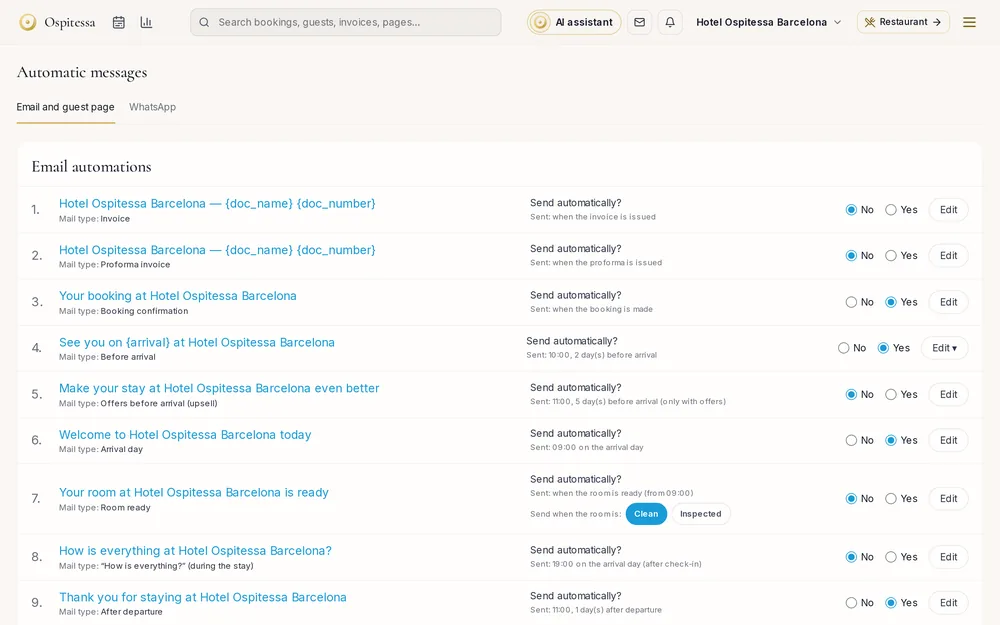
Each message at its own time
You choose which messages to switch on and when: two days before arrival, the morning of arrival, after departure. You write the texts once and they use the booking details.
And when things change
Booking changed, booking cancelled, online payment received, invoice or pro forma issued: the guest is told at once, without the front desk writing by hand.
WhatsApp on your hotel number
Connect your WhatsApp Business number through Meta's official API, and automated messages also go out on WhatsApp, using approved templates.
Templates with formatting
You format each email directly: font, size, colours, alignment, lists, links and images. The formatting is sent as simple styling, so it looks the same in Gmail and Outlook.
New messages stay off until you switch them on
“How is everything?” during the stay and pre-arrival upsell offers are in the same list. Like every new message, they stay off until you choose Yes.
Questions about automated guest messages
Do you send SMS as well?
No, we do not have an SMS provider. Messages go out by email and on your hotel's WhatsApp.
Related features
 Online salesPre-arrival upsellingGuests see upgrades, early check-in, late check-out, breakfast, parking and extras on their phone.See the feature
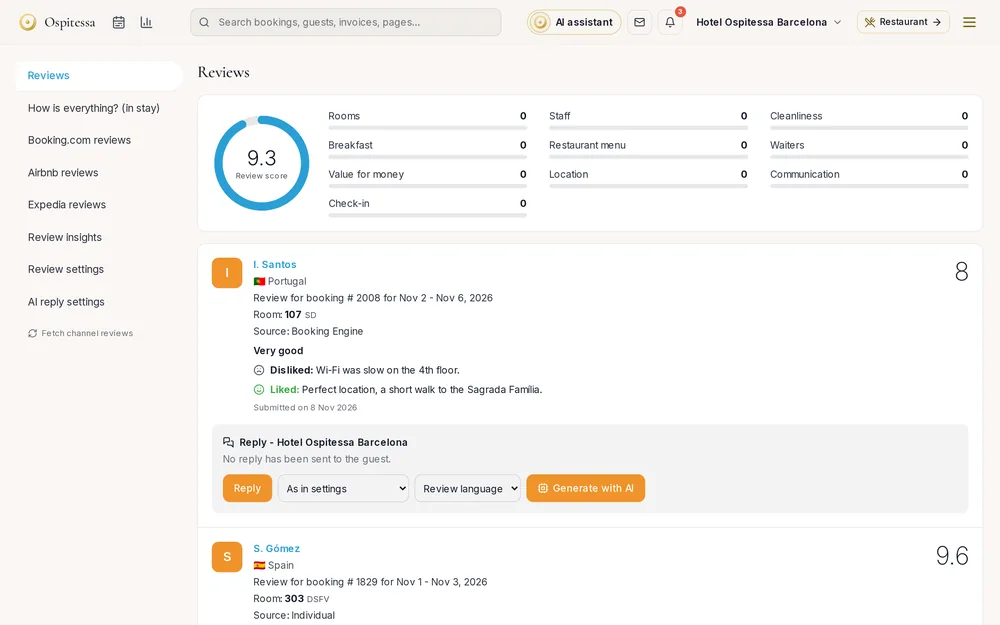 Guests & communicationReviewsAsk “How is everything?” while guests are still in-house, get an urgent task on low scores, invite everyone to review, draft replies with AI and see trends.See the feature
 Guests & communicationOnline check-in and guest appGuests check in online, see their room charges, send requests to reception and leave a review, all from one link, in their own language.See the feature
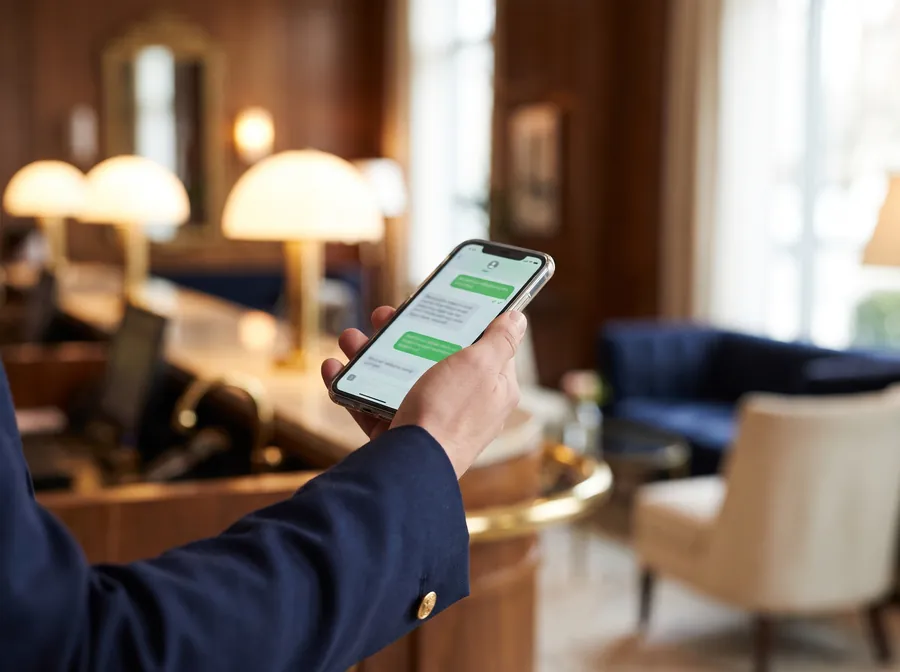 Guests & communicationWhatsApp for hotelsOfficial WhatsApp on your hotel number: confirmations, arrival instructions, payment links and automatic replies, all linked to the booking.See the feature

See Ospitessa on your own rooms.
In a 30-minute demo we show you the calendar, the channel manager and the AI receptionist set up for your property.