 ospitessa

 Español
 Italiano
 Deutsch
 Français
 Português
 Ελληνικά
 Hrvatski
 Polski
 Nederlands
 Čeština
 Slovenčina
 Magyar
 Slovenščina
 Shqip
 Български
 Türkçe
 Română ↗ Ospitara
 Austria
 Switzerland
 Belgium
 Ireland
 Malta
 Cyprus
 Montenegro
 Mexico
 Costa Rica
 Dominican Republic
 Panama
 Colombia
 Peru
 Ecuador
 Argentina
 Uruguay
Event rooms, scheduled by the hour
The morning conference, the afternoon training and Saturday's family celebration sit in the same calendar, by room and by hour. No room is booked twice, including set-up time.
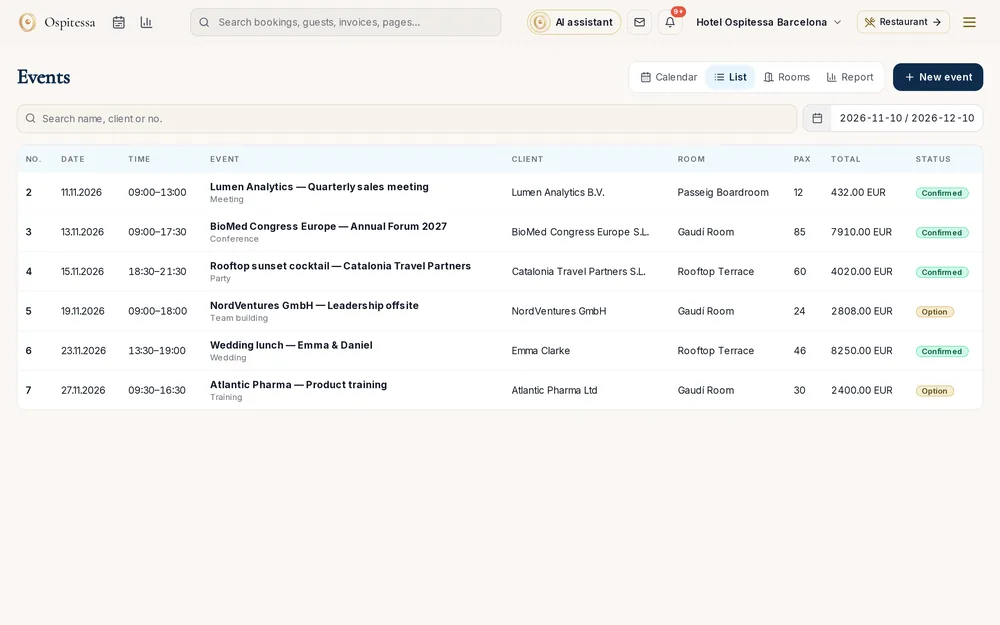
An hourly calendar
On the computer, rooms are rows and hours are columns, by day or by week. Click a free hour and a new event opens with the room and time filled in. On the phone, you get the day's agenda.
Option first, then confirmation
A client who is still deciding gets an option until a set date. If they do not confirm, the option expires and the room is released. Set-up and clear-down time also block the room.
Everything that goes with the event
Layout (theatre, classroom, banquet, U-shape, cocktail), number of people, coffee breaks, catering per person, equipment and a technician, each with its own price. The event sheet prints for the kitchen and the set-up team, without prices.
Billing, without separate software
Deposit, pro forma and final invoice with the deposit deducted, using the same documents as for rooms. If attendees stay at the hotel, the event can be linked to the group or charged to the room bill.
Questions about events and meeting rooms
Can I receive quote requests from my website?
Yes. The website form creates an option on the requested room if it is free, and your team gets a notification.
Does it link to group bookings?
Yes. The event can be linked to a room block or to a booking, and the amount can be charged to the room bill.
Related features
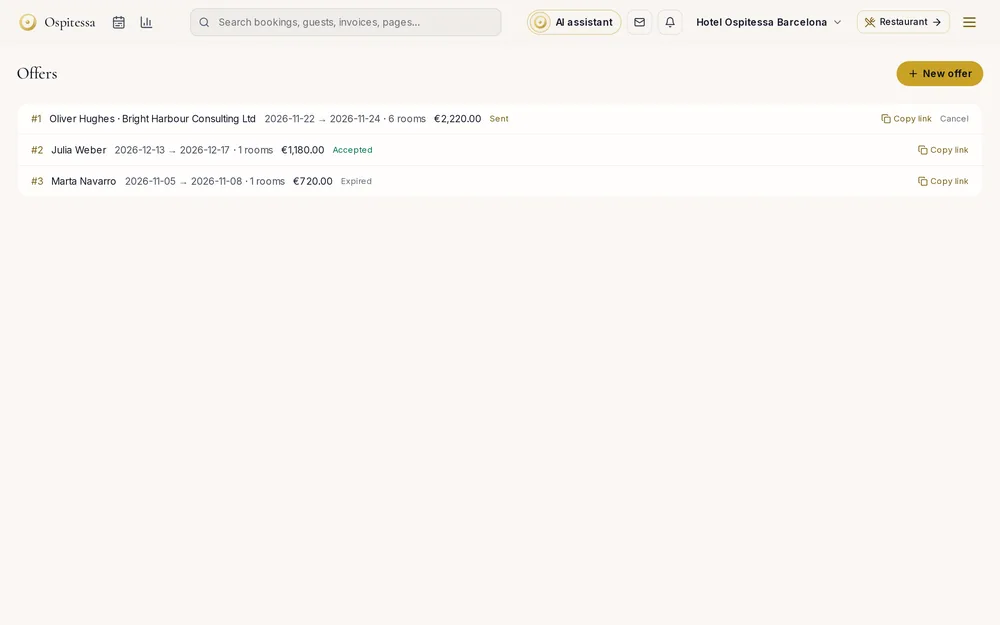 Front desk & bookingsGroups, offers and contractsGroups with one invoice, offers the client accepts by link, contracts with negotiated rates, agency allotments with automatic release, and discounts.See the feature
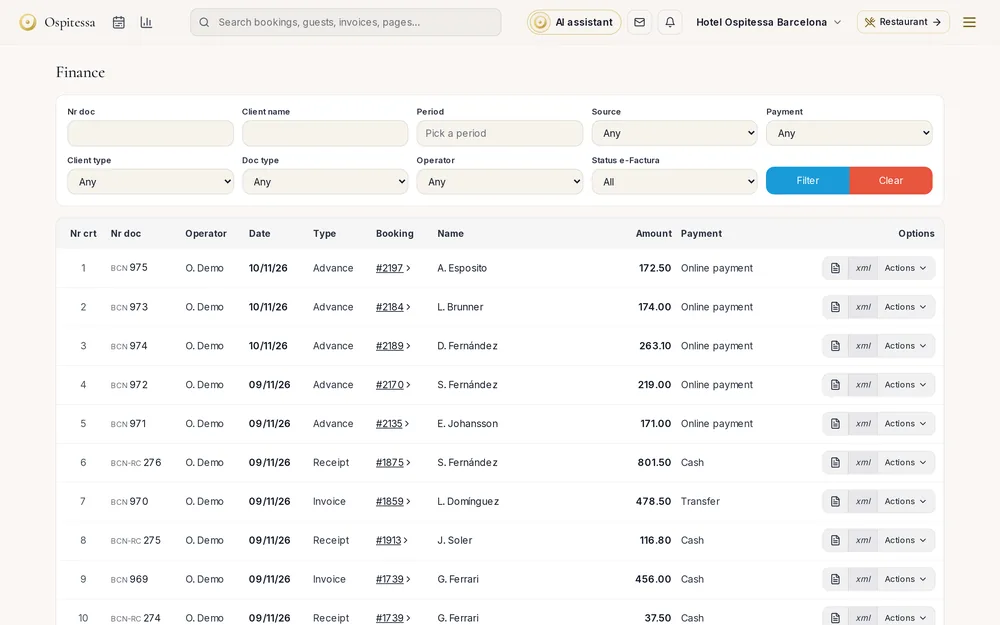 Invoicing & paymentsInvoicing and paymentsInvoices, pro formas, deposit invoices and credit notes from the booking, company accounts, payments, cash book, city tax lists and fiscal printers.See the feature
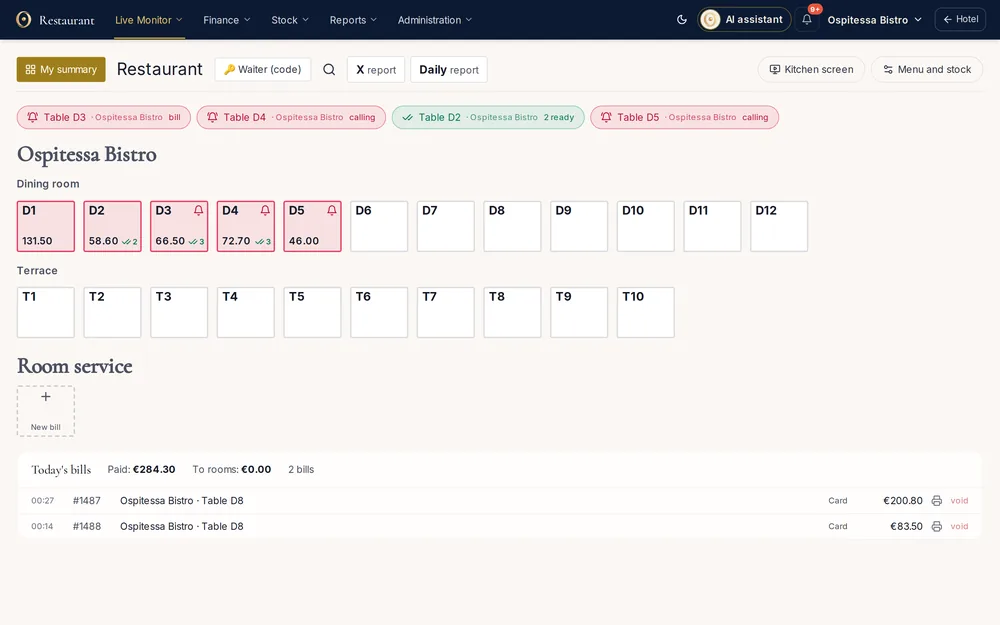 Restaurant, bar & spaRestaurant and bar POSTables by room, orders sent to kitchen and bar, waiter PIN codes, split payment, charge to room, tips, end-of-day closing and each waiter's own summary.See the feature

See Ospitessa on your own rooms.
In a 30-minute demo we show you the calendar, the channel manager and the AI receptionist set up for your property.