 ospitessa

 Español
 Italiano
 Deutsch
 Français
 Português
 Ελληνικά
 Hrvatski
 Polski
 Nederlands
 Čeština
 Slovenčina
 Magyar
 Slovenščina
 Shqip
 Български
 Türkçe
 Română ↗ Ospitara
 Austria
 Switzerland
 Belgium
 Ireland
 Malta
 Cyprus
 Montenegro
 Mexico
 Costa Rica
 Dominican Republic
 Panama
 Colombia
 Peru
 Ecuador
 Argentina
 Uruguay
Restaurant inventory, without notebooks or spreadsheets
Goods come in with a goods received note, move to the bar or kitchen with a transfer and go out at sale according to the recipe. The stock balance and daily report are ready for your accountant.
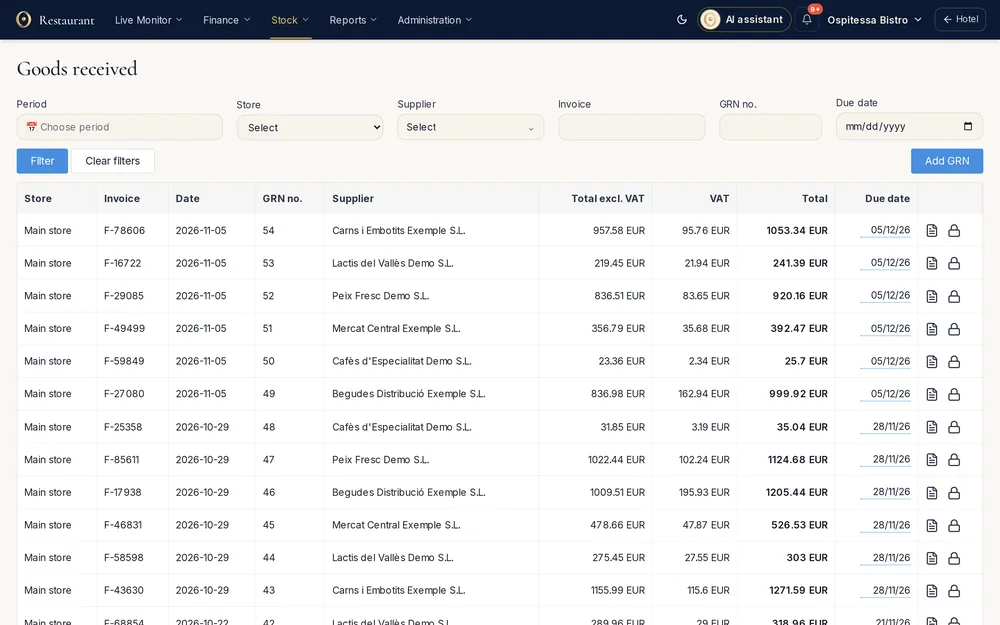
Stock receipt from the supplier's invoice
A supplier's XML e-invoice becomes a goods received note in one click, with batch and expiry date taken from the file. You confirm the draft, and stock goes up at the purchase cost.
Each outlet has its own stock
The store room, the kitchen and the bar have separate stock. Transfers record who handed over and who received, internal use notes take goods out for the hotel's own use, and stock counts show the difference between the books and what is on the shelf.
What your accountant gets
The stock balance for any period, a daily stock report, a supplier ledger and a SAF-T stock export where your country uses it.
Questions about inventory and stock
Does stock go down automatically when I sell?
Yes. Items with a recipe take the ingredients from the stock of the outlet that sold them.
Can I reverse a confirmed stock receipt?
Yes, by un-confirming it, done by someone with cancellation rights. Stock returns to where it was before.
Related features
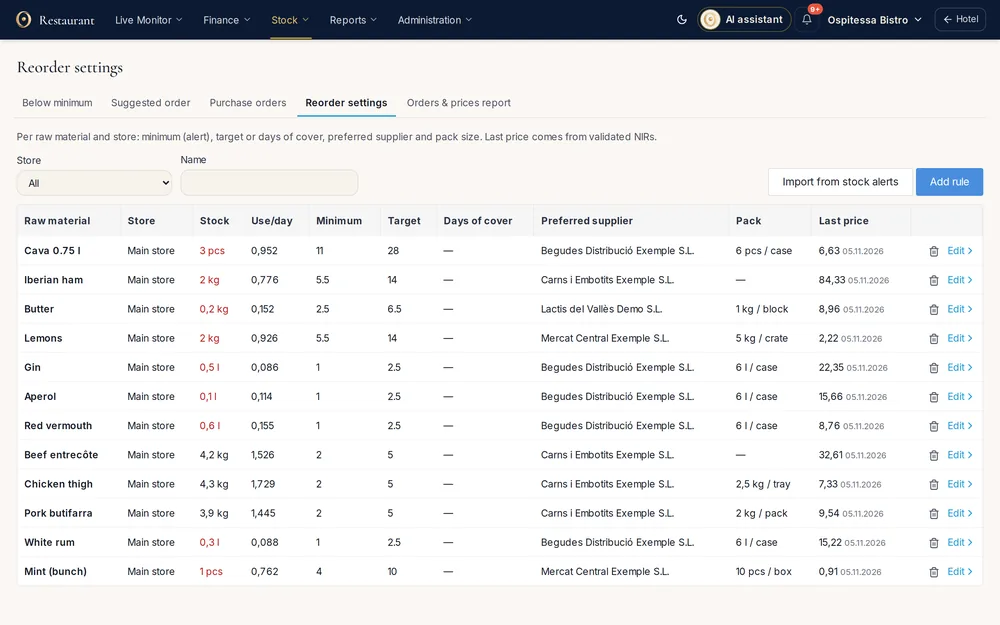 Restaurant, bar & spaMinimum stock and supplier ordersAlerts at minimum stock, suggested orders based on usage and on bookings with meals, purchase orders to suppliers and goods received straight into stock.See the feature
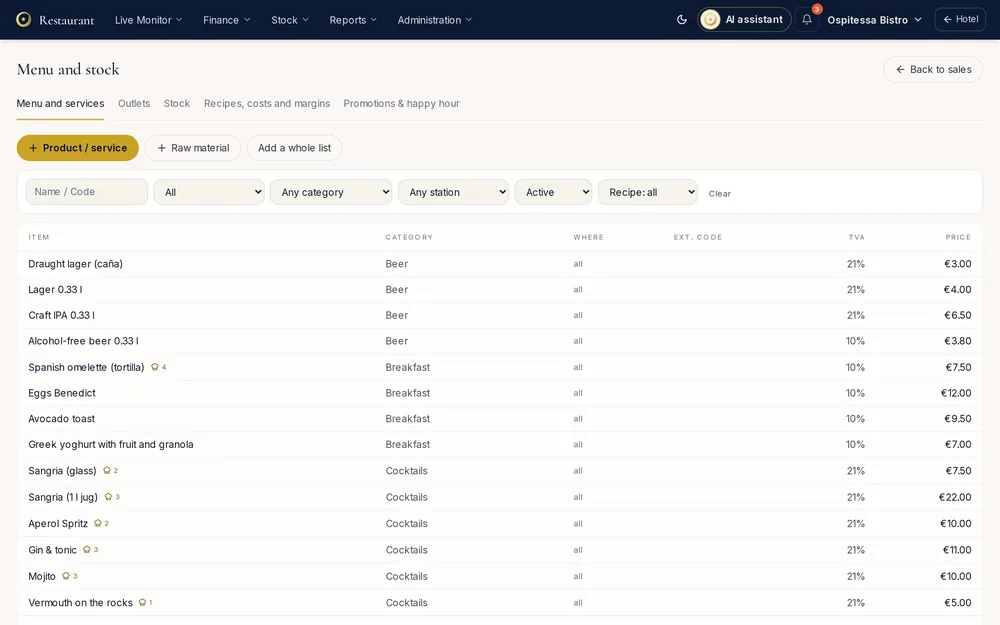 Restaurant, bar & spaRecipes and food costA recipe for each dish with automatic stock deduction, raw ingredients, cost per portion, margin in the sales report, allergens and recipe export.See the feature
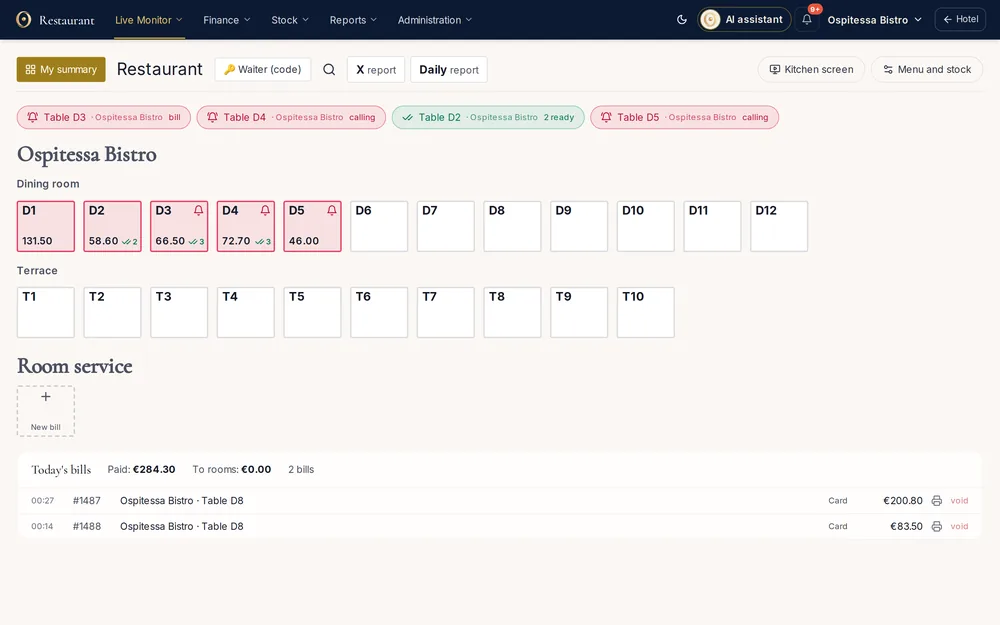 Restaurant, bar & spaRestaurant and bar POSTables by room, orders sent to kitchen and bar, waiter PIN codes, split payment, charge to room, tips, end-of-day closing and each waiter's own summary.See the feature
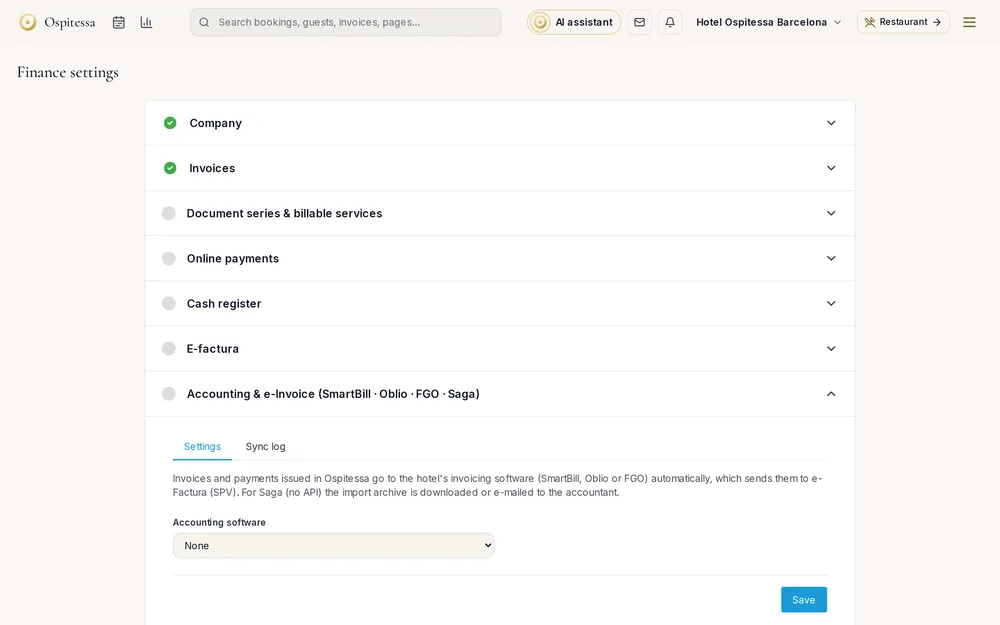 Invoicing & paymentsE-invoicing and accounting exportStructured XML invoices, automatic sync with SmartBill and FGO, Excel and CSV exports with account codes, PDF archive and supplier e-invoices into stock.See the feature

See Ospitessa on your own rooms.
In a 30-minute demo we show you the calendar, the channel manager and the AI receptionist set up for your property.