 ospitessa

 Español
 Italiano
 Deutsch
 Français
 Português
 Ελληνικά
 Hrvatski
 Polski
 Nederlands
 Čeština
 Slovenčina
 Magyar
 Slovenščina
 Shqip
 Български
 Türkçe
 Română ↗ Ospitara
 Austria
 Switzerland
 Belgium
 Ireland
 Malta
 Cyprus
 Montenegro
 Mexico
 Costa Rica
 Dominican Republic
 Panama
 Colombia
 Peru
 Ecuador
 Argentina
 Uruguay
Smart locks: the code goes out on its own
Each guest gets a door code that works only for the length of their stay. No more keys left in letterboxes and no more midnight trips.
TTLock: the code goes out on its own
When a booking is confirmed, a door code is created for exactly the stay dates and appears on the guest page. You can choose to show it only after online check-in or after payment.
Key boxes for physical keys
Doors with a classic key have a combination key box. The code can be fixed or new for each booking; the front desk confirms it has been set on the box, and then the guest sees it on their phone.
QR key
A signed QR code, valid for a few minutes and refreshed automatically, which compatible readers can check at the door.
RFID key-card locks
Key-card systems are connected at activation, together with your lock supplier. Until then, the front desk automatically gets an “encode key card” task at check-in.
Questions about smart locks
Which locks are compatible?
Locks that work in the TTLock app, including models sold under other brands.
Related features
 Guests & communicationOnline check-in and guest appGuests check in online, see their room charges, send requests to reception and leave a review, all from one link, in their own language.See the feature
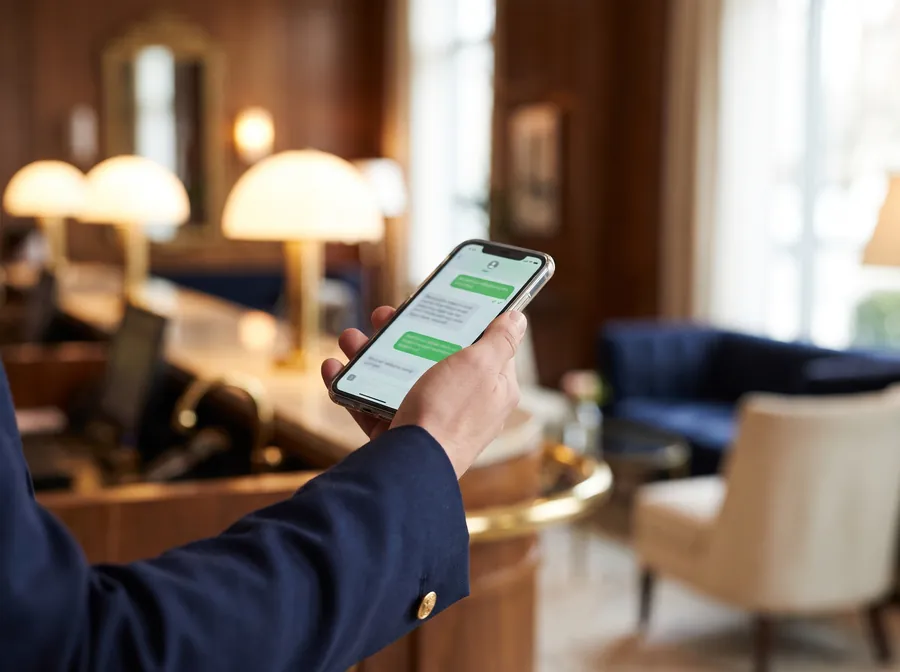 Guests & communicationWhatsApp for hotelsOfficial WhatsApp on your hotel number: confirmations, arrival instructions, payment links and automatic replies, all linked to the booking.See the feature
 Front desk & bookingsHotel PMSCloud property management system with a room calendar, check-in, invoices, housekeeping and reports.See the feature

See Ospitessa on your own rooms.
In a 30-minute demo we show you the calendar, the channel manager and the AI receptionist set up for your property.