 ospitessa

 Español
 Italiano
 Deutsch
 Français
 Português
 Ελληνικά
 Hrvatski
 Polski
 Nederlands
 Čeština
 Slovenčina
 Magyar
 Slovenščina
 Shqip
 Български
 Türkçe
 Română ↗ Ospitara
 Austria
 Switzerland
 Belgium
 Ireland
 Malta
 Cyprus
 Montenegro
 Mexico
 Costa Rica
 Dominican Republic
 Panama
 Colombia
 Peru
 Ecuador
 Argentina
 Uruguay
Room service from the guest's phone
The guest opens their page, picks from a menu with photos and sends the order. The kitchen sees it on screen, the bill goes to the room, and the guest sees the order's status and how long it will take.
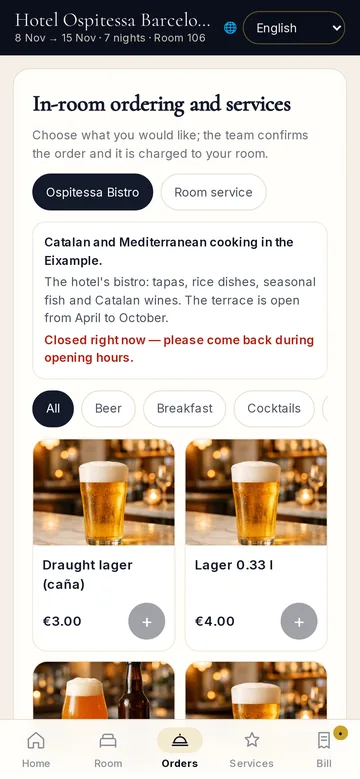
A menu with photos
Every item has its own photo, grouped by category. The guest adds to the basket, sees the total and sends it. No phone call to the desk, no mistakes when writing it down.
Tracked to the door
New, being prepared, on the way, delivered. The guest sees the status and the estimated time without calling to ask.
Everything on one bill
The order goes onto the room bill and appears at check-out together with the room, the restaurant and the spa.
Questions about room service
Can I limit room service hours?
Yes. You set the hours when orders can be placed.
Related features
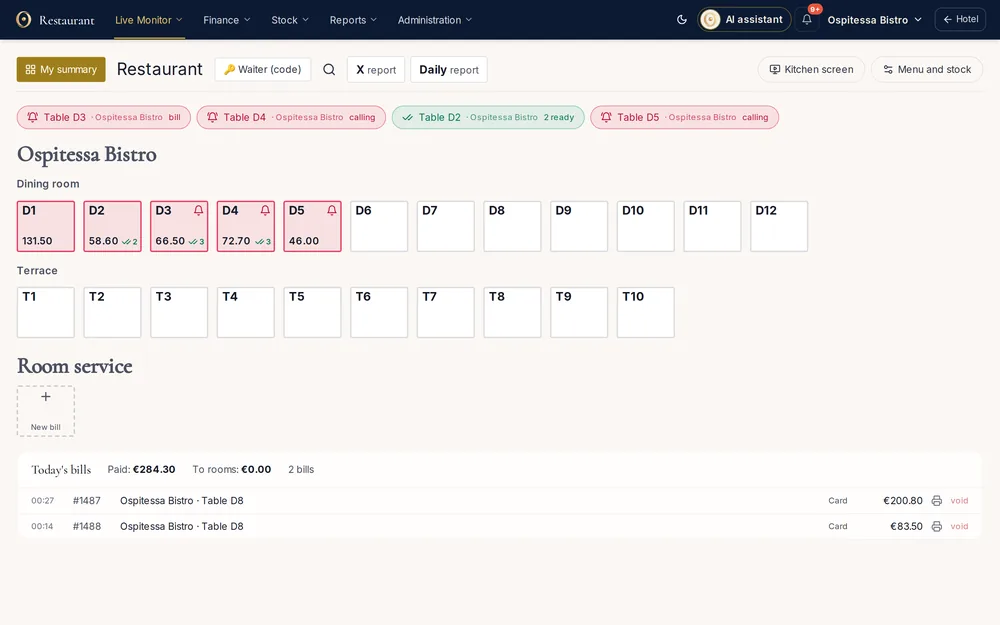 Restaurant, bar & spaRestaurant and bar POSTables by room, orders sent to kitchen and bar, waiter PIN codes, split payment, charge to room, tips, end-of-day closing and each waiter's own summary.See the feature
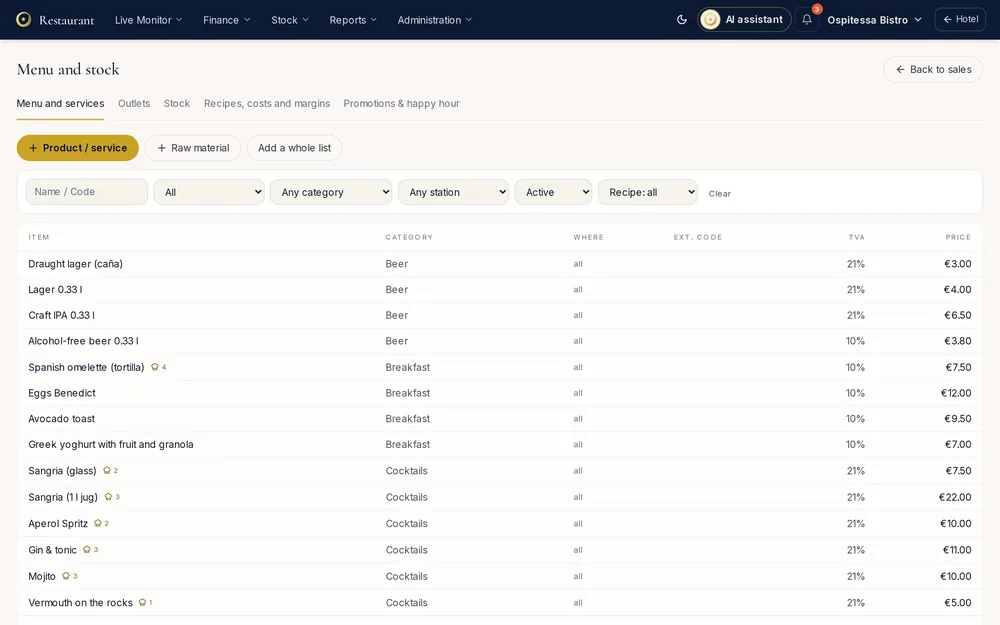 Restaurant, bar & spaQR code menuA menu on the guest's phone with photos, allergens and translations, opened from the QR code on the table.See the feature
 Guests & communicationOnline check-in and guest appGuests check in online, see their room charges, send requests to reception and leave a review, all from one link, in their own language.See the feature

See Ospitessa on your own rooms.
In a 30-minute demo we show you the calendar, the channel manager and the AI receptionist set up for your property.