 ospitessa

 Español
 Italiano
 Deutsch
 Français
 Português
 Ελληνικά
 Hrvatski
 Polski
 Nederlands
 Čeština
 Slovenčina
 Magyar
 Slovenščina
 Shqip
 Български
 Türkçe
 Română ↗ Ospitara
 Austria
 Switzerland
 Belgium
 Ireland
 Malta
 Cyprus
 Montenegro
 Mexico
 Costa Rica
 Dominican Republic
 Panama
 Colombia
 Peru
 Ecuador
 Argentina
 Uruguay
AI at the front desk: the reply is written, the decision stays with you
A guest emails to ask whether you have a double room this weekend and how much it costs with breakfast. By the time you open the message, the reply is already written, with the price from your booking engine. You read it, change what you want and press Send.
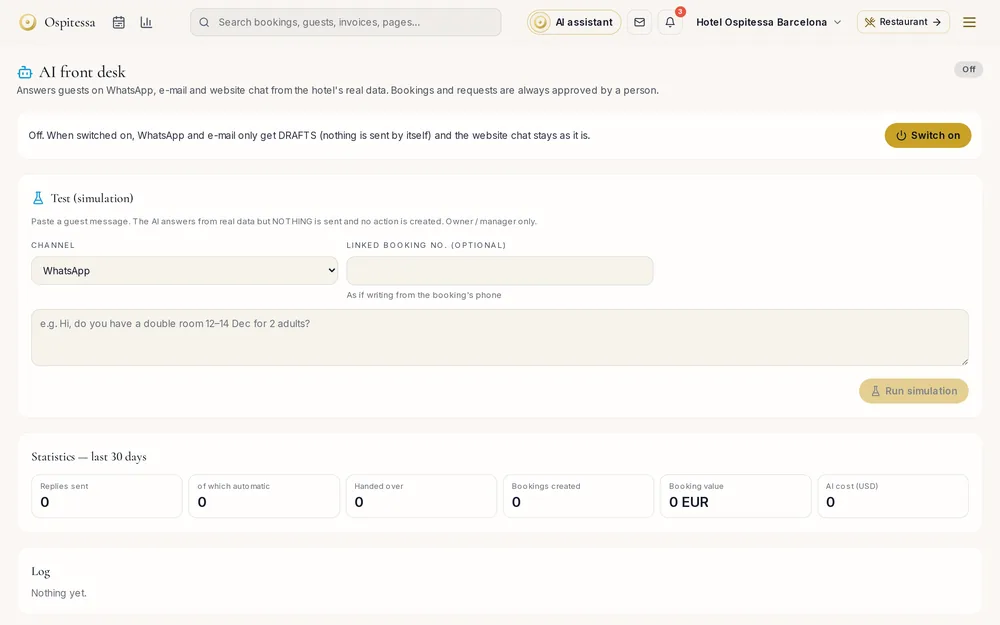
The price in the reply is the real price
The AI looks up rooms and rates exactly where your website booking engine does: the same plans, the same offers, the same restrictions. If the text contains an amount that does not come from this data, the draft gets a warning and cannot go out on its own.
A person approves the booking
When a guest wants a room, the AI does not book it. It prepares a request with the dates, room and total, and the front desk presses Approve or Decline. On approval the price is recalculated, the booking comes in as an unconfirmed request with no payment, and the confirmation for the guest also waits for you as a draft.
Extra towels, a taxi at 6 in the morning or a later check-out become requests for your team, also with approval. Cancellations, changes, payments and complaints go straight to the front desk.
Each channel with its own rule
On email the AI only writes drafts. On WhatsApp you can keep drafts or let it answer information questions on its own, for example only while the front desk is closed. Your website chat stays as it is until you change it. At the start everything is off.
What it knows about your hotel
You write your house rules once: parking, pets, breakfast times, how far the centre is. It answers in the language the guest wrote in. On its page you see how many replies went out, how many were passed to the front desk and how many bookings came from conversations. For phone calls as well, see the AI receptionist.
Questions about AI at the front desk
Can the AI cancel or change a booking?
No. Cancellations, changes, payments and complaints go to the front desk. The AI can only propose a booking request, which you approve or decline.
How do emails reach the AI?
Paste them into the Inbox with the “New email” button, or forward them to the address created for your hotel. The draft appears within seconds.
What about Booking.com and Airbnb messages?
For those, the AI prepares drafts in the Inbox, following the settings there.
Do we have to use it?
No. It is off until you switch it on, and you can turn it off at any time without losing conversations.
Related features
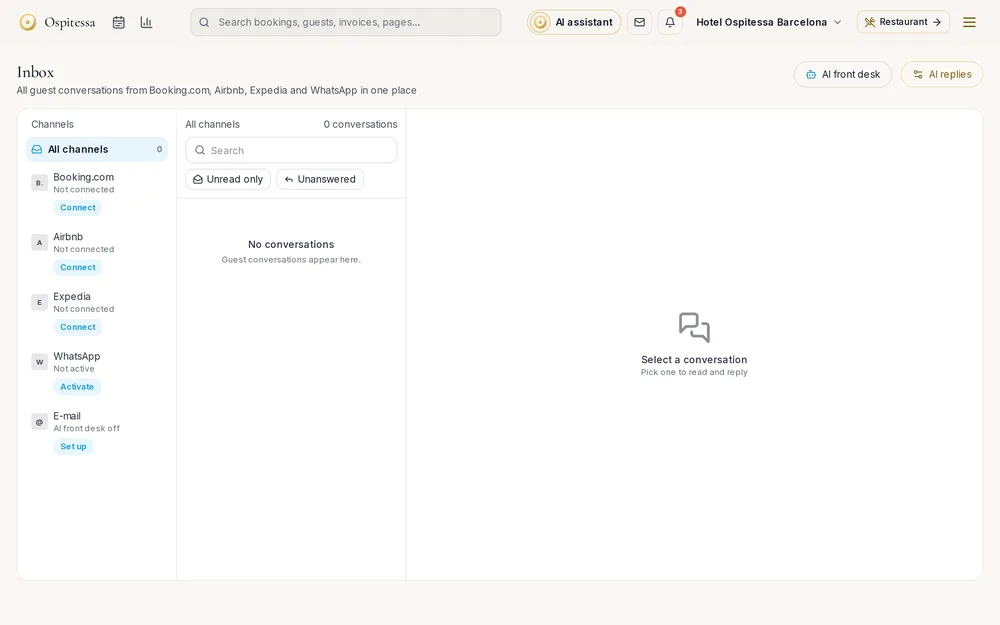 Guests & communicationUnified inboxMessages from Booking.com, Airbnb, WhatsApp, your website chat and email in one inbox, with replies drafted by AI.See the feature
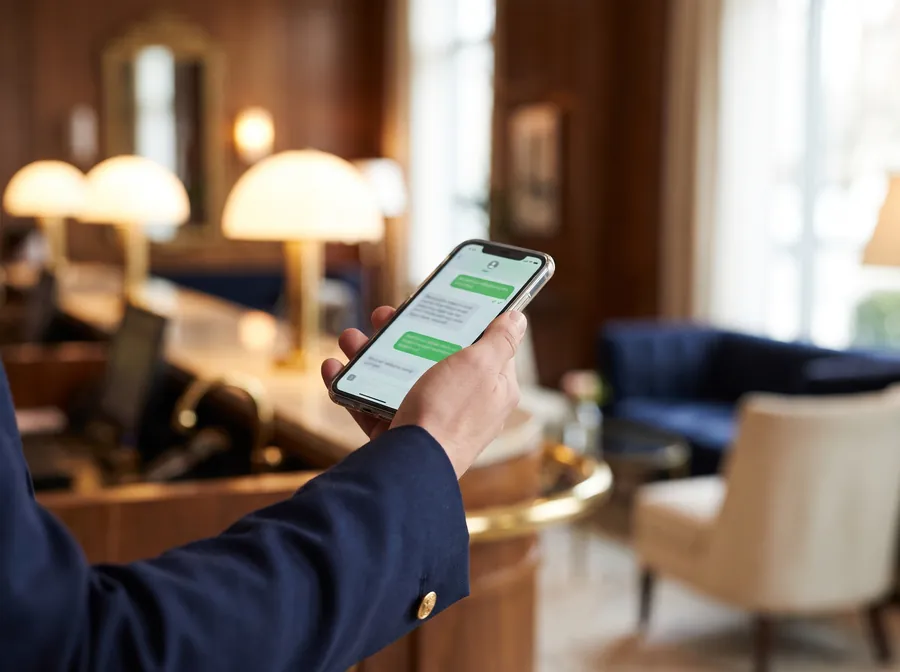 Guests & communicationWhatsApp for hotelsOfficial WhatsApp on your hotel number: confirmations, arrival instructions, payment links and automatic replies, all linked to the booking.See the feature
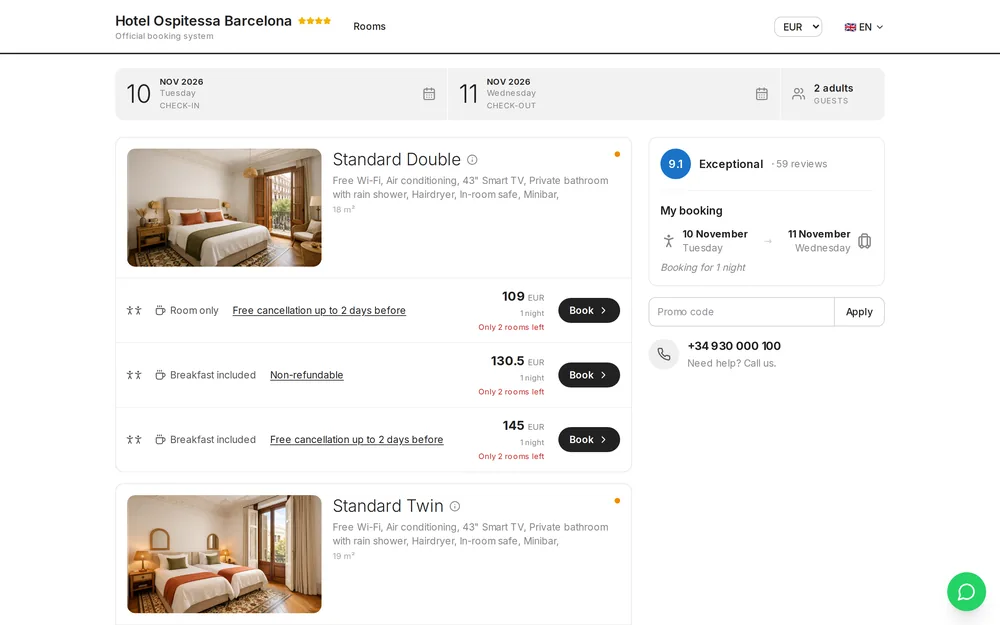 Online salesBooking engineDirect bookings on your hotel website, with prices from your calendar, card payment and instant confirmation.See the feature

See Ospitessa on your own rooms.
In a 30-minute demo we show you the calendar, the channel manager and the AI receptionist set up for your property.