 ospitessa

 Español
 Italiano
 Deutsch
 Français
 Português
 Ελληνικά
 Hrvatski
 Polski
 Nederlands
 Čeština
 Slovenčina
 Magyar
 Slovenščina
 Shqip
 Български
 Türkçe
 Română ↗ Ospitara
 Austria
 Switzerland
 Belgium
 Ireland
 Malta
 Cyprus
 Montenegro
 Mexico
 Costa Rica
 Dominican Republic
 Panama
 Colombia
 Peru
 Ecuador
 Argentina
 Uruguay
The booking calendar, room by room
Each row is a room and each column is a day. You see what is occupied, what is blocked and which bookings still have no room, and a badge on each bar shows the channel the booking came from.
Move the booking, do not retype it
The guest wants a different room or one more night? Drag the booking to another row or stretch its end. Availability on your channels is recalculated automatically.
New bookings straight from the calendar
Select the free days on a room with the mouse. A new booking opens with the dates, the room and the price from your rates already filled in. You only add the guest.
Unassigned bookings stay in view
Bookings made for a room type appear below the calendar, in their own list. You assign them to a room once you know who leaves and who arrives. Rooms closed for renovation or own use can be blocked for a period, several at once.
Questions about booking calendar
Can I see several months ahead?
Yes. Move forward or back with the arrows, or jump to a date. The view you choose is remembered on your computer.
What happens on Booking.com when I move a booking?
Availability is recalculated and sent to every connected channel.
Does it work on a phone?
Yes. On a phone the calendar scrolls sideways, with the same bars and the same actions.
Related features
 Front desk & bookingsHotel PMSCloud property management system with a room calendar, check-in, invoices, housekeeping and reports.See the feature
 Front desk & bookingsRates and availabilityRate plans with derived rates, daily prices and restrictions, a cap on rooms sold online, single-use rates and occupancy-based pricing rules.See the feature
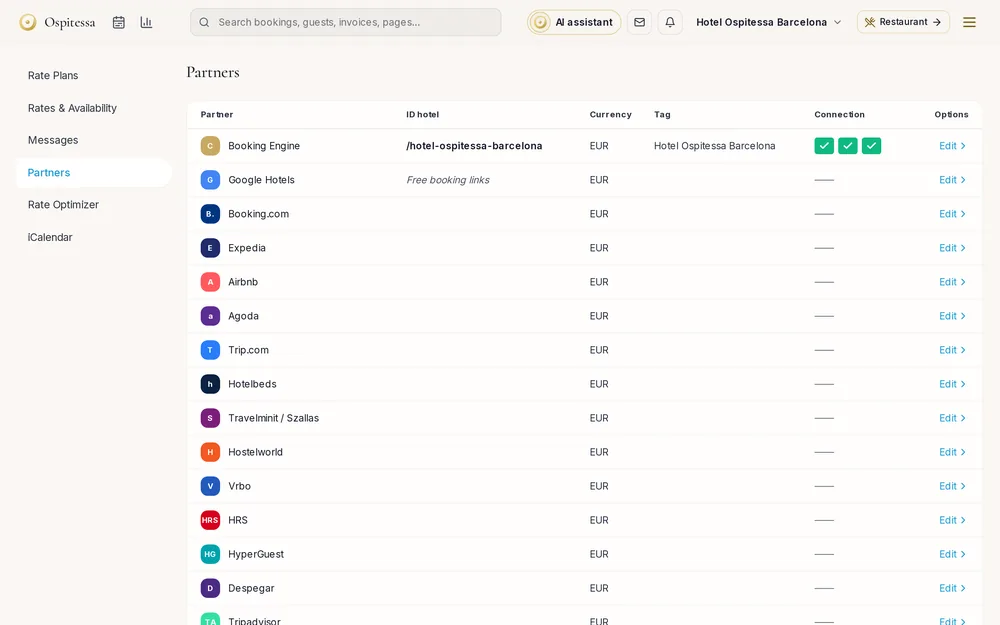 Online salesChannel managerAvailability and prices sent automatically to Booking.com, Airbnb, Expedia, Agoda and 70+ partners.See the feature

See Ospitessa on your own rooms.
In a 30-minute demo we show you the calendar, the channel manager and the AI receptionist set up for your property.