 ospitessa

 Español
 Italiano
 Deutsch
 Français
 Português
 Ελληνικά
 Hrvatski
 Polski
 Nederlands
 Čeština
 Slovenčina
 Magyar
 Slovenščina
 Shqip
 Български
 Türkçe
 Română ↗ ospitessa.ro
 Austria
 Switzerland
 Belgium
 Ireland
 Malta
 Cyprus
 Montenegro
 Mexico
 Costa Rica
 Dominican Republic
 Panama
 Colombia
 Peru
 Ecuador
 Argentina
 Uruguay
Ospitessa TV. The front desk, on the in-room TV.
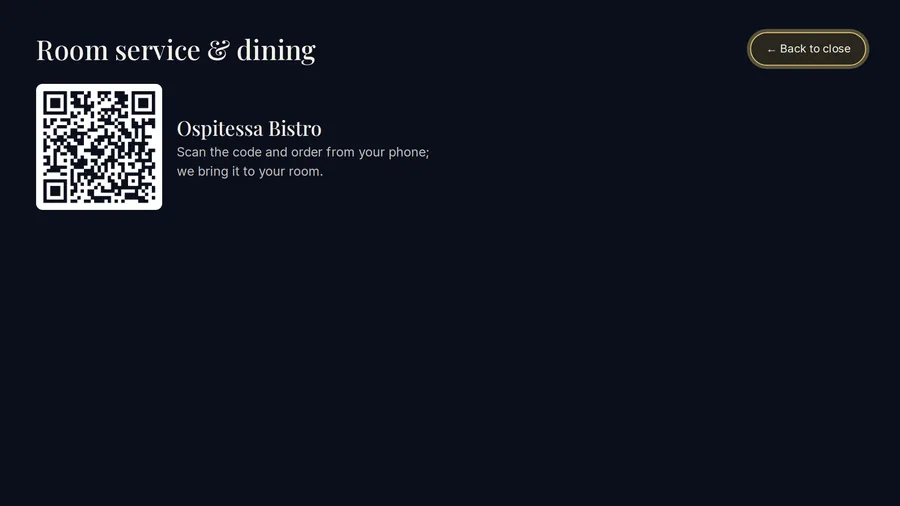
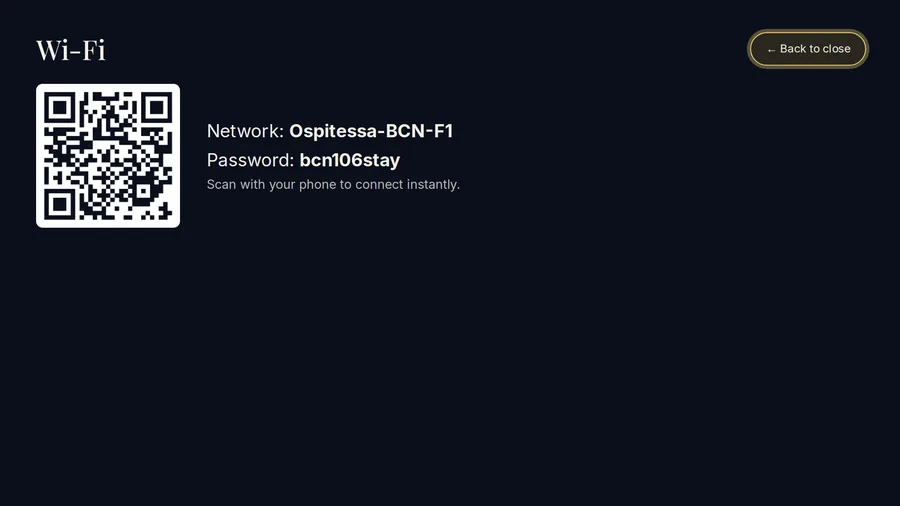
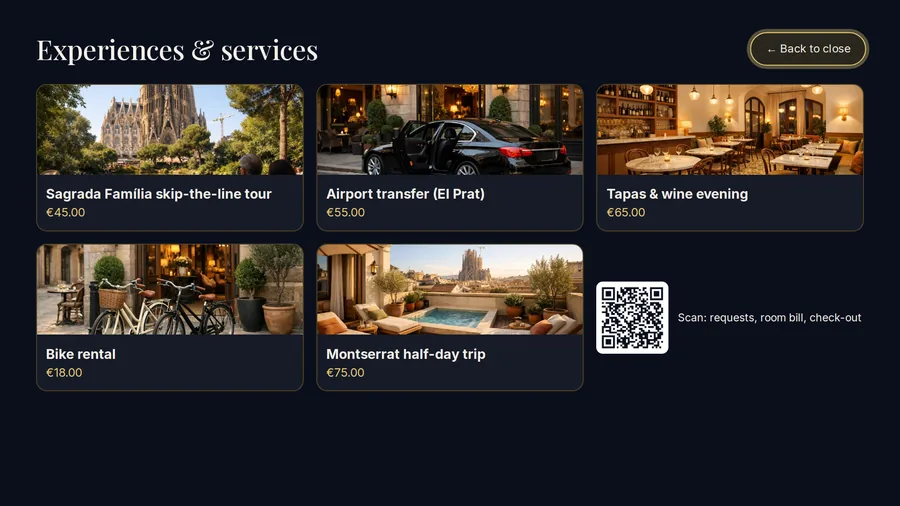
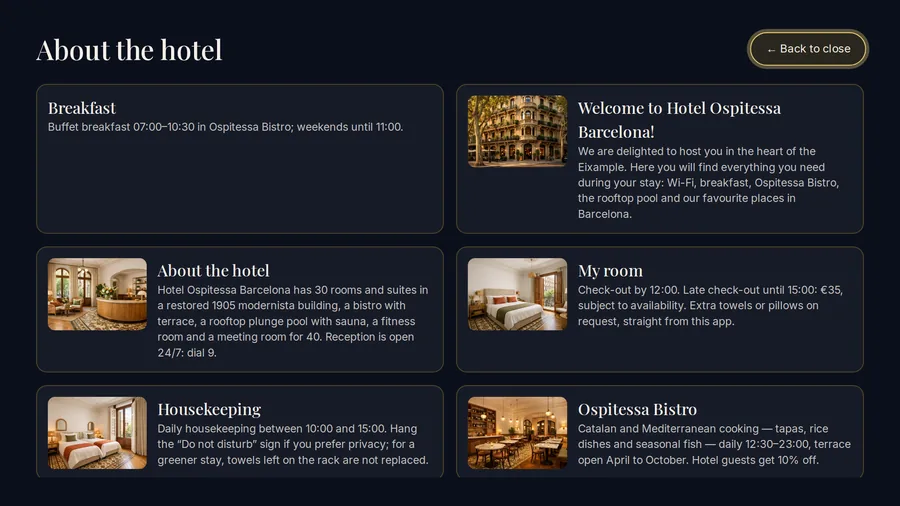
The TV in the room becomes the hotel’s screen: it greets the guest by name, in their language, shows the Wi-Fi, the menu, excursions and hotel information, and lets them ask the AI receptionist. All linked to the booking, with no app on the guest’s phone.
- A welcome with the guest’s name, in their language
- AI receptionist on screen
- On any TV, with a Google TV box
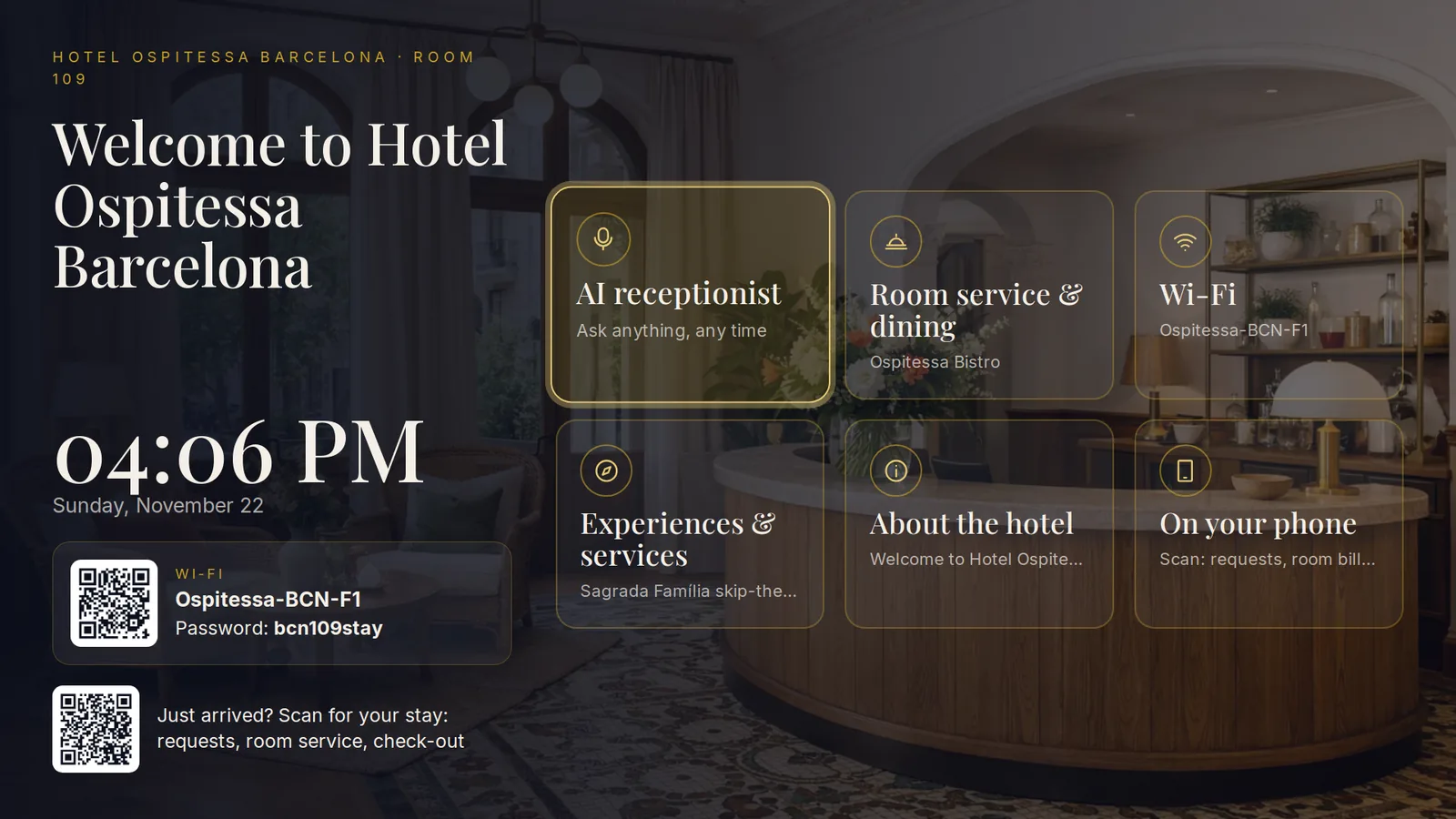
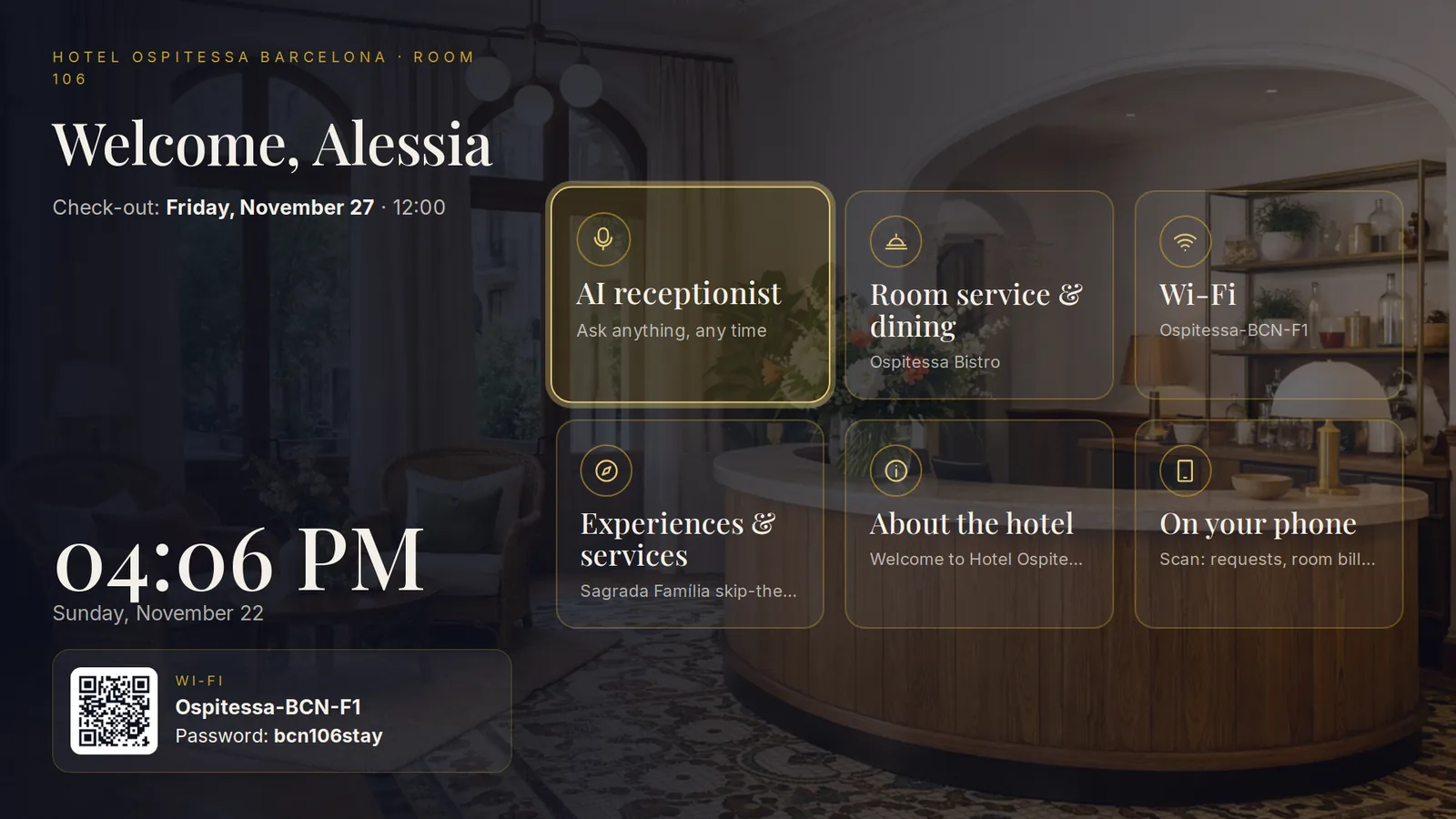
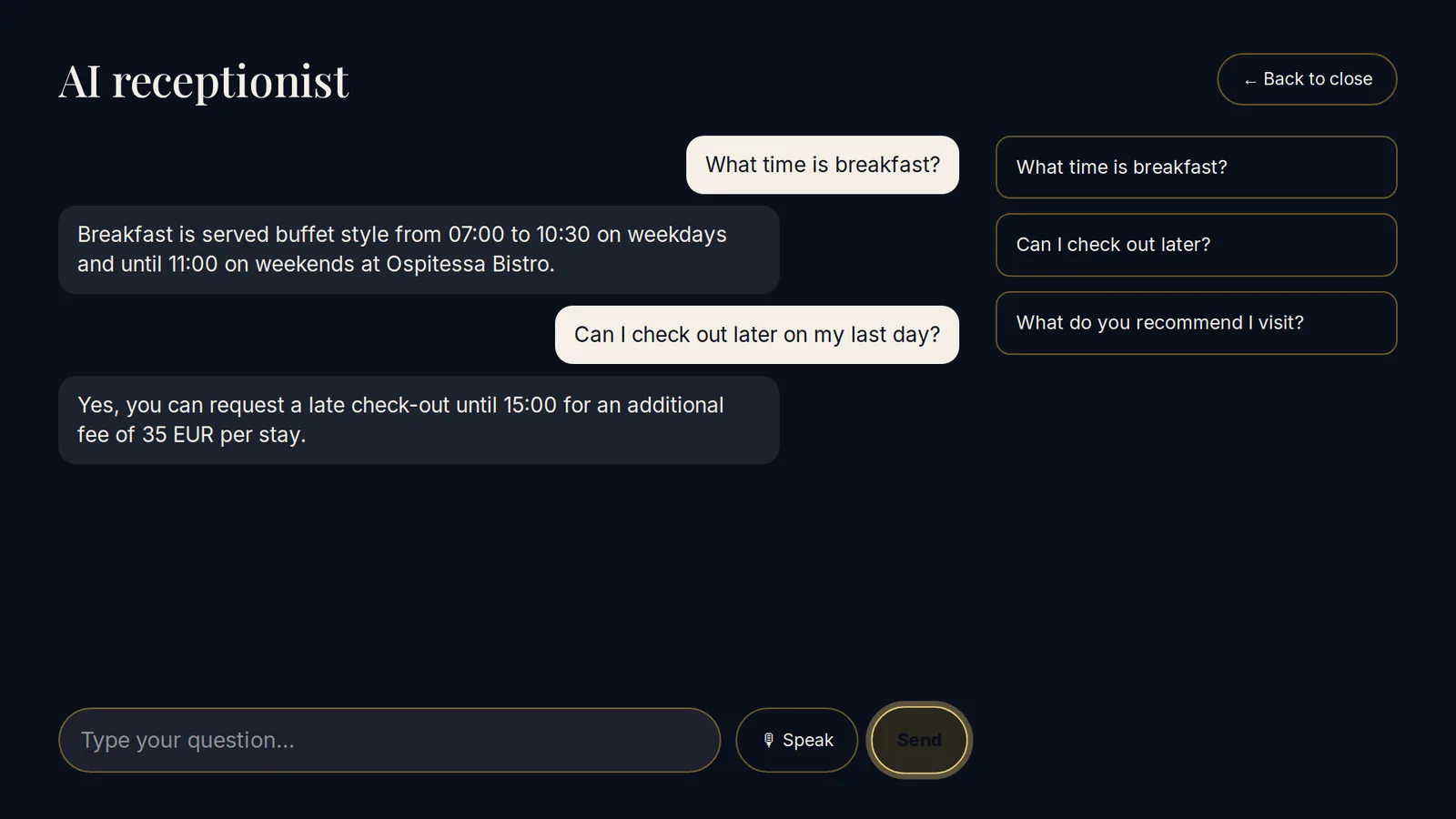
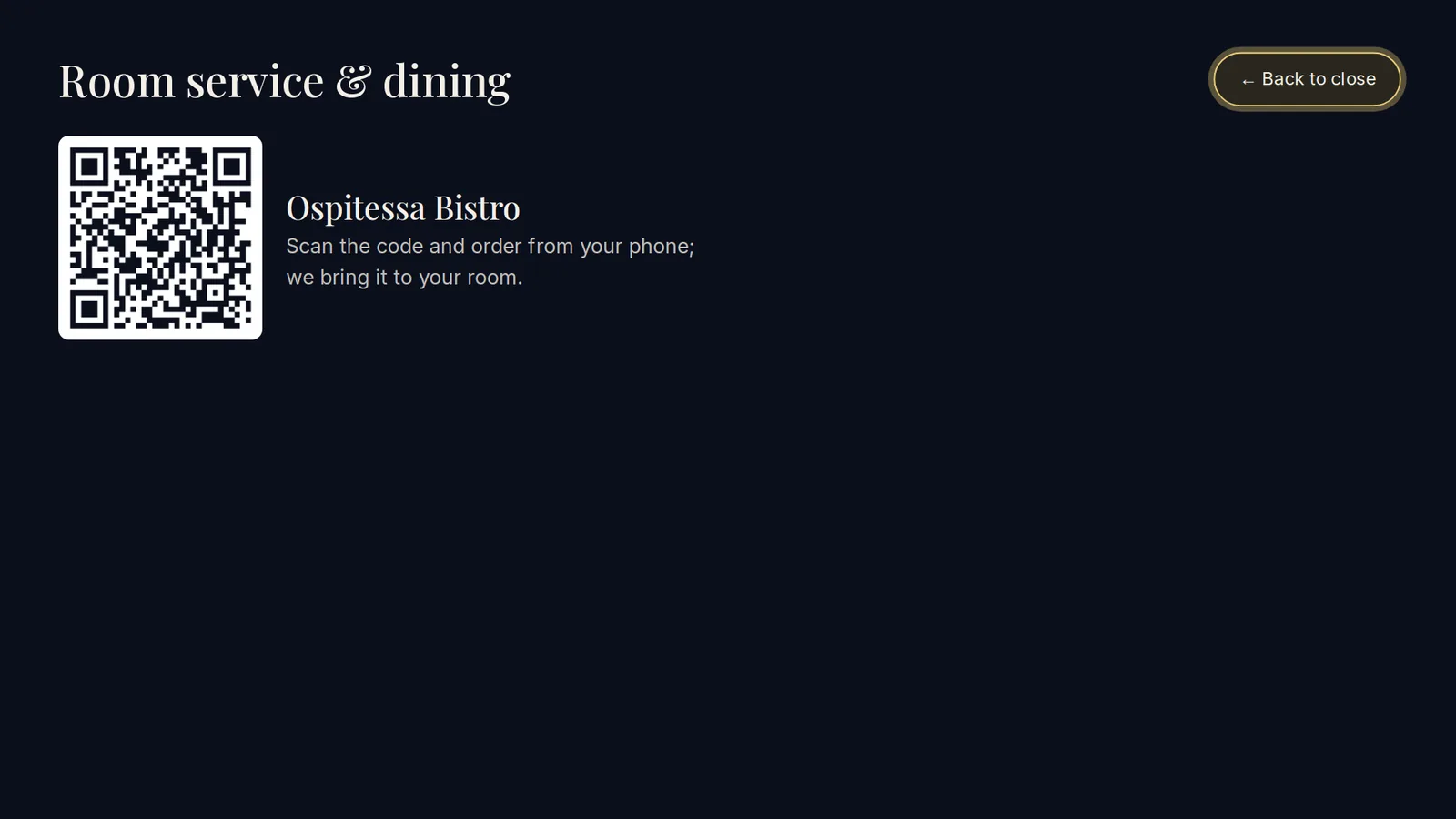
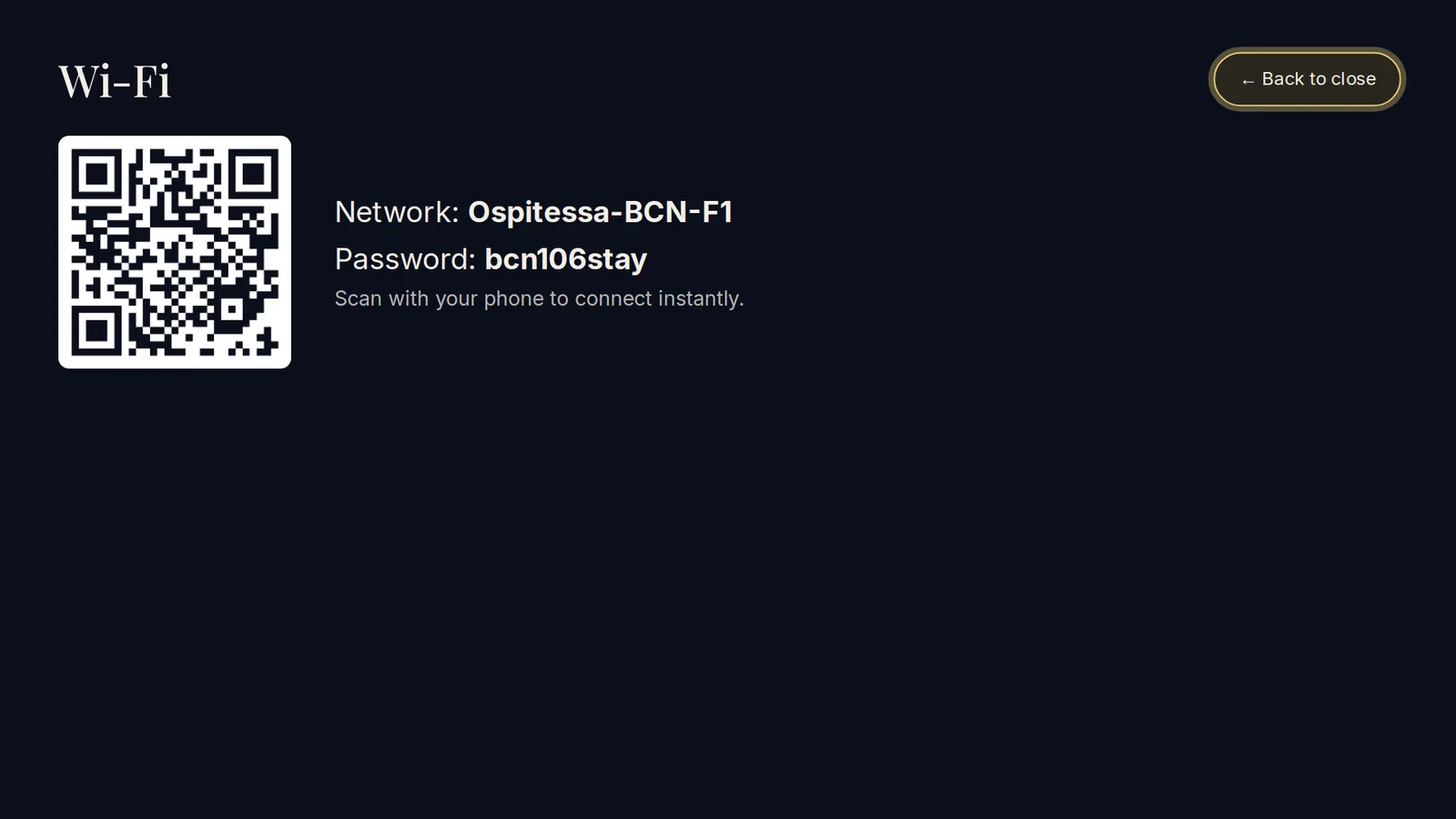
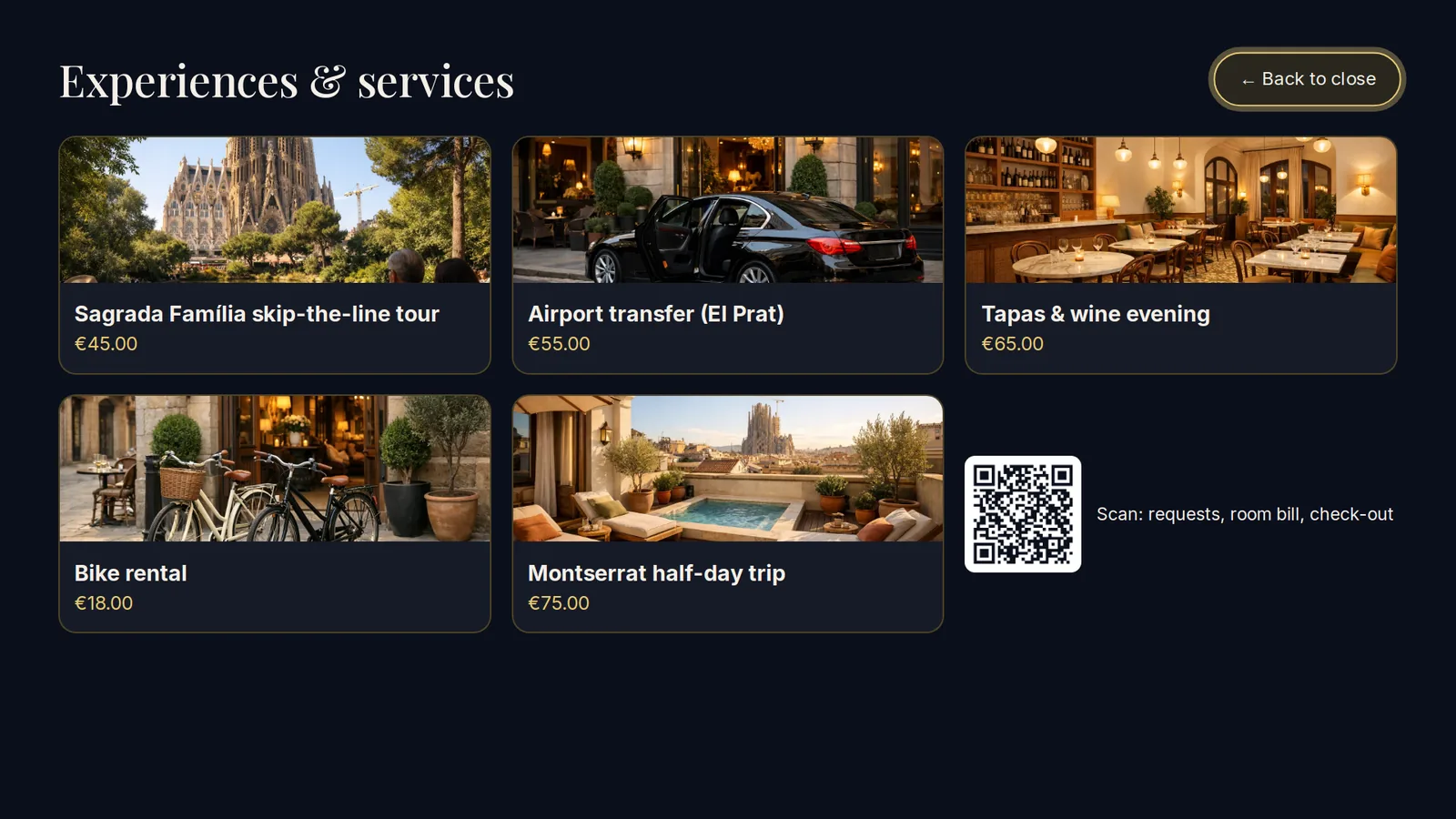
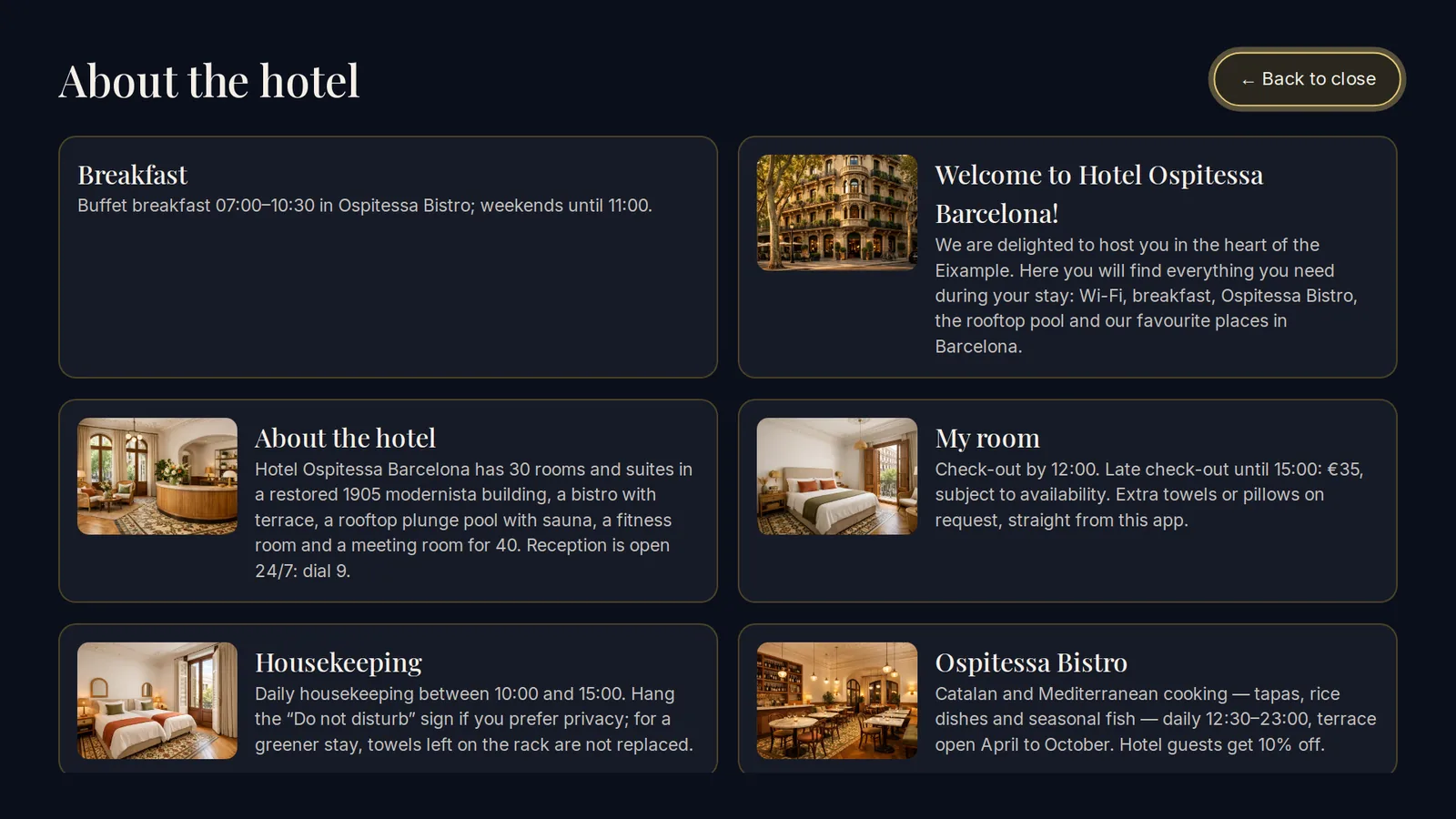
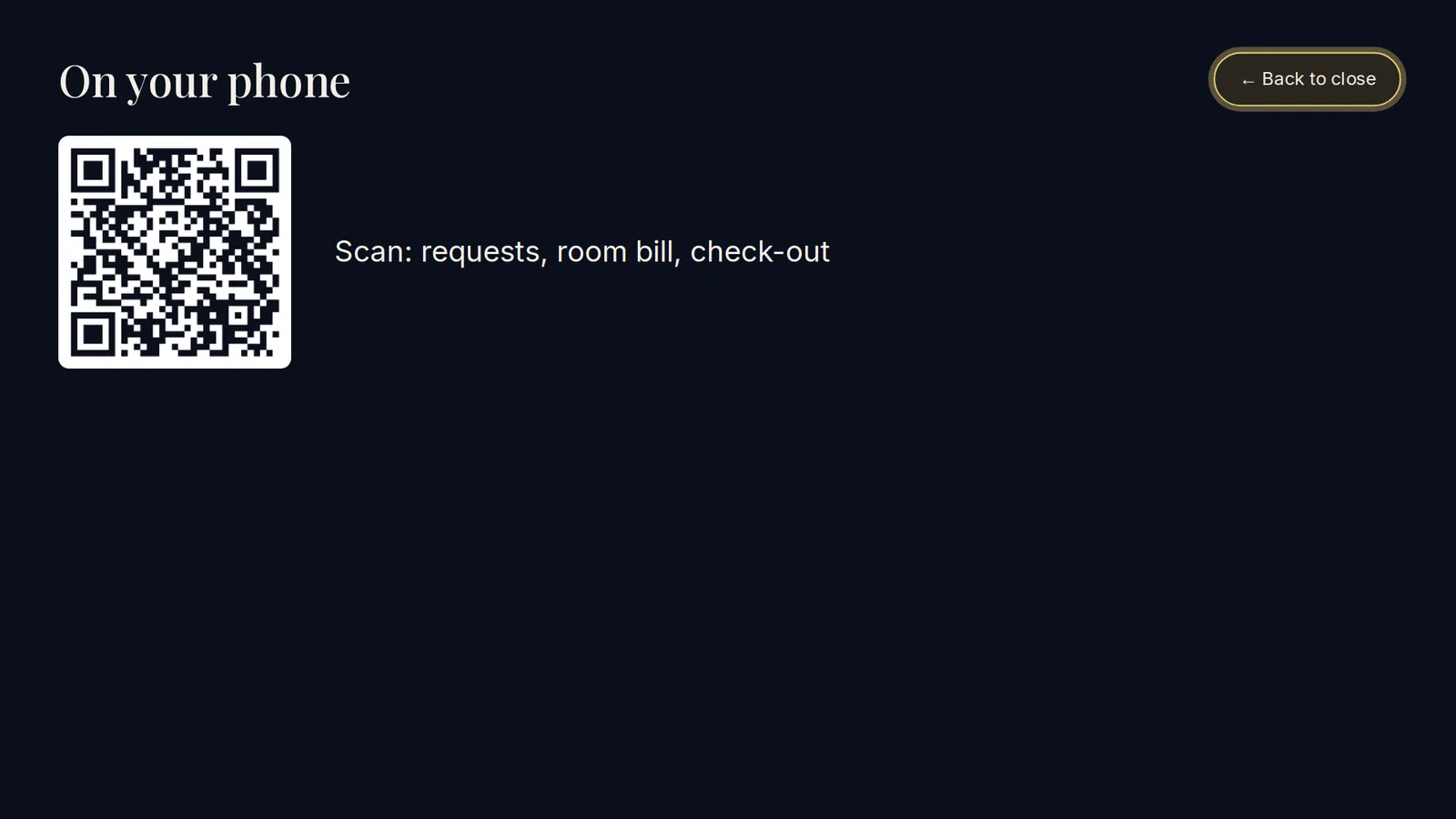
What the guest sees on the TV
Real screens from our demo hotel, at Full HD TV resolution.
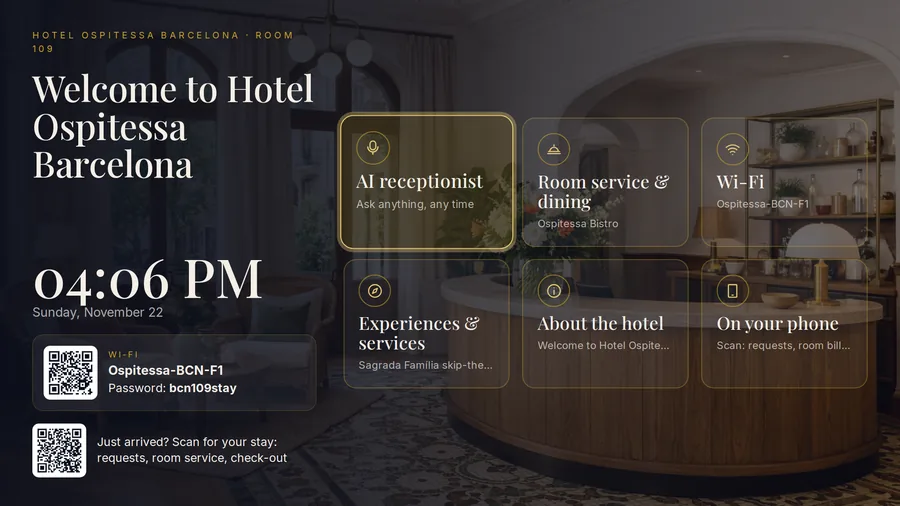
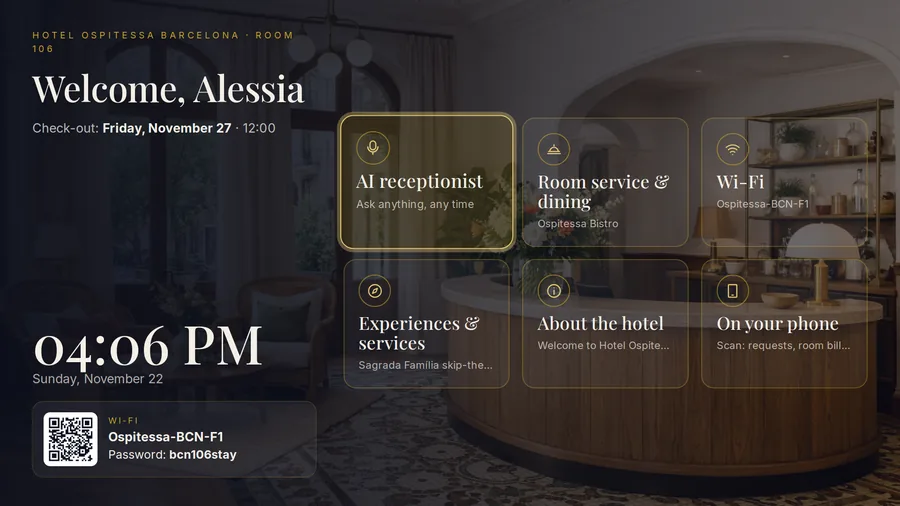
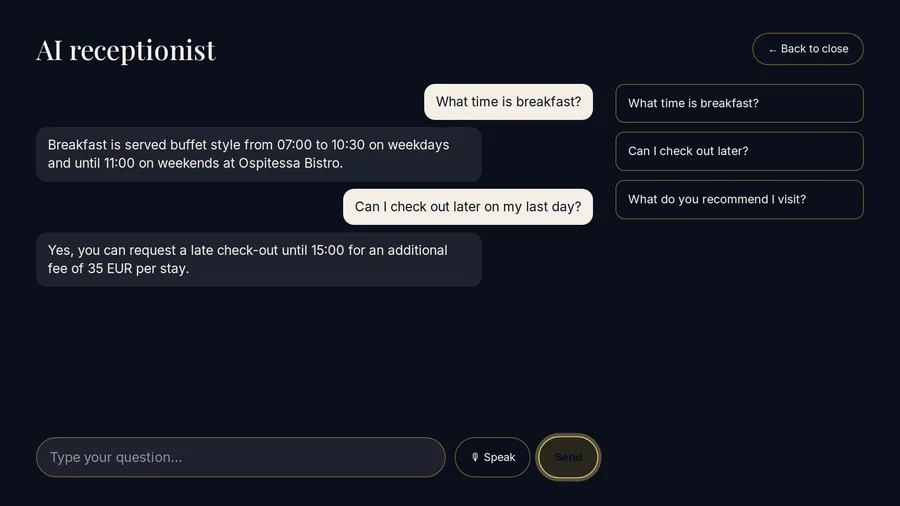
How guests talk to the TV
Three ways, and the guest picks.
How it is set up
What Ospitessa TV includes
Guest
- A welcome with their name, in 9 languages
- Clock, date, check-out time
- Wi-Fi with a connect QR code
Dining and services
- The restaurant menu, with in-room ordering
- Excursions, transfers, spa, with prices
- Hotel pages: breakfast, housekeeping, rules
Front desk
- AI receptionist on screen, answering from the hotel’s data
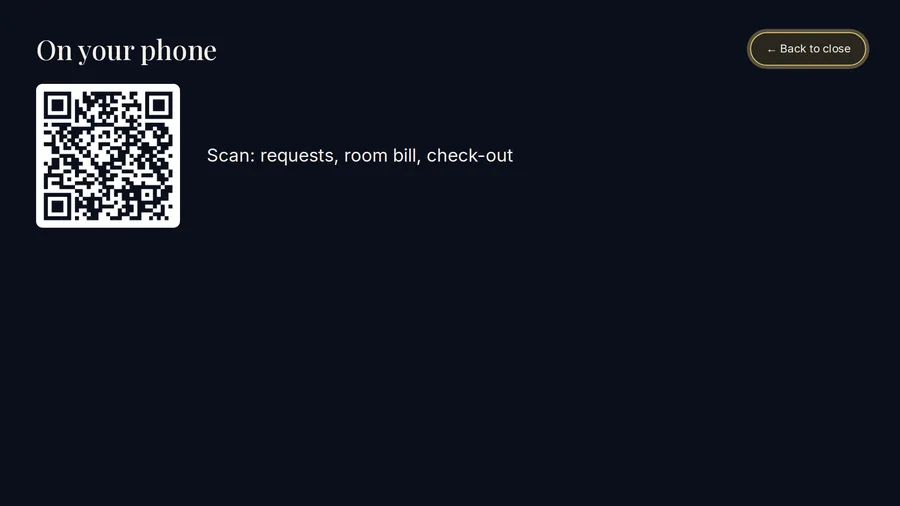
- QR code to the stay page on the phone
- No amounts and no door code on screen
Questions
Do I need new TVs?
No. Any TV with an HDMI port takes a Google TV / Android TV box, about €40–60 per room. Samsung (LYNK) and LG (Pro:Centric) hotel TVs open Ospitessa TV directly, with no box.
How does the TV know who is in the room?
From Ospitessa. At check-in the screen greets the guest by name, in their language; at check-out it clears itself and returns to the welcome. The front desk does nothing extra.
Can guests see someone else’s details?
No. The TV never shows amounts, invoices or the door code, and after check-out nothing from the previous stay remains. The room bill is only shown on the phone, after the surname is confirmed.
Where do the texts and photos come from?
From the hotel’s Guest App pages, the restaurant menu and the services catalogue. You write them once and they appear on the phone and on the TV.
Does it work with our hotel TV system?
Yes. For Samsung LYNK and LG Pro:Centric you set the room link as the start page. For systems that receive check-in and check-out over FIAS there is the Ospitessa bridge, installed on a computer at the hotel.

Want to see Ospitessa TV on a real TV?
In a 30-minute demo we show the screen on your own rooms and how to start it on the TVs you already have.